

Your graphics add a nice touch to my presentations and I recently used them for one of my all-hands meetings. Your toolbox adds professionalism to my slides. Instead of using standard clipart.
Claude Jones, Director of Engineer, @Walmartlabs, USA

Your graphics add a nice touch to my presentations and I recently used them for one of my all-hands meetings. Your toolbox adds professionalism to my slides. Instead of using standard clipart.
Claude Jones, Director of Engineer, @Walmartlabs, USA
I needed a fresh look at some of my slides. I've tried to find a way to create a paintbrush effect, to underline, accentuate, add some color and the handwritten markers were just the things. Very easy to use, easy to size, change the color. It was an affordable, perfect solution and I'm happy to recommend it.
Anonymous, US
The crisp, clean look of the graphics, and the fact that it allowed me to easily edit and change the colors to match the template was my main reason for purchasing them.
Brandie Jenkins, E-learning Developer, USA
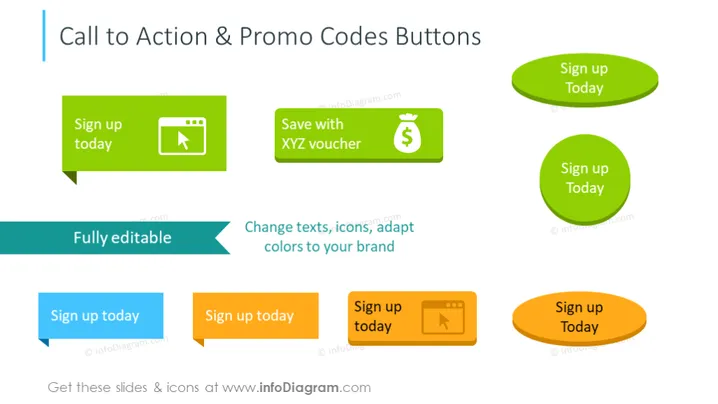
The slide focuses on various designs of "Call to Action" and "Promo Codes" buttons, meant to encourage user engagement. Each button is paired with a unique icon and color, illustrating different styles and purposes. The first button suggests registration with the text "Sign up today" beside a play icon, hinting at a video or media-related action. A "Save with XYZ voucher" button pairs financial savings with a dollar icon. These customizable buttons can be adapted to fit specific branding needs, as indicated by the descriptive text "Fully editable – Change texts, icons, adapt colors to your brand".
The overall look of the slide is vibrant and dynamic, with colorful buttons that capture attention. The icons are simple and universally recognizable, relating to common actions found in web design and marketing.



