

Your graphics add a nice touch to my presentations and I recently used them for one of my all-hands meetings. Your toolbox adds professionalism to my slides. Instead of using standard clipart.
Claude Jones, Director of Engineer, @Walmartlabs, USA

Your graphics add a nice touch to my presentations and I recently used them for one of my all-hands meetings. Your toolbox adds professionalism to my slides. Instead of using standard clipart.
Claude Jones, Director of Engineer, @Walmartlabs, USA
I needed a fresh look at some of my slides. I've tried to find a way to create a paintbrush effect, to underline, accentuate, add some color and the handwritten markers were just the things. Very easy to use, easy to size, change the color. It was an affordable, perfect solution and I'm happy to recommend it.
Anonymous, US
The crisp, clean look of the graphics, and the fact that it allowed me to easily edit and change the colors to match the template was my main reason for purchasing them.
Brandie Jenkins, E-learning Developer, USA
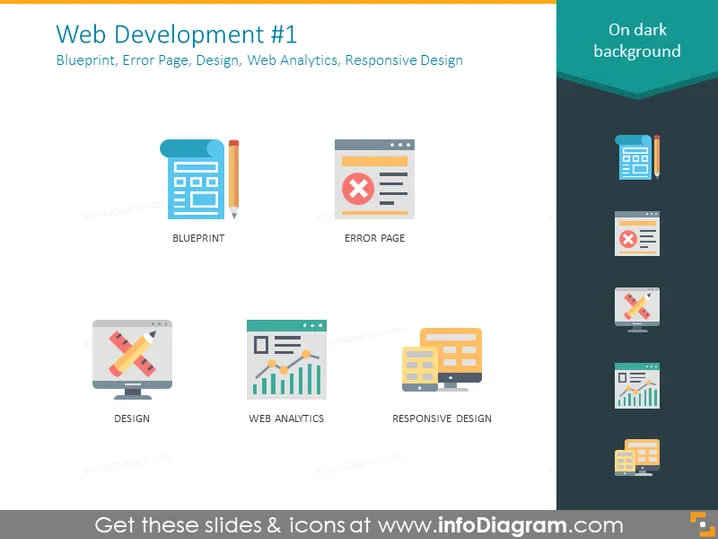
The slide titled "Web Development #1" outlines components of website creation including Blueprints, the importance of designing custom Error Pages, the intricacies of Design, the role of Web Analytics in understanding user behavior, and key elements of Responsive Design to ensure website compatibility across devices. Blueprints are fundamental plans for structuring a website. Error Pages are designed to inform users about issues with accessing content. Design encompasses the visual and functional aspect. Web Analytics is analytical data that helps in evaluating user interaction. Responsive Design is a design strategy to make sites look good on various screens.
The overall look of the slide is modern and uncluttered, with a focus on visual icons to convey the key components of web development effectively. The color palette is calming and the icons are designed to be immediately recognizable.



