

Your graphics add a nice touch to my presentations and I recently used them for one of my all-hands meetings. Your toolbox adds professionalism to my slides. Instead of using standard clipart.
Claude Jones, Director of Engineer, @Walmartlabs, USA

Your graphics add a nice touch to my presentations and I recently used them for one of my all-hands meetings. Your toolbox adds professionalism to my slides. Instead of using standard clipart.
Claude Jones, Director of Engineer, @Walmartlabs, USA
I needed a fresh look at some of my slides. I've tried to find a way to create a paintbrush effect, to underline, accentuate, add some color and the handwritten markers were just the things. Very easy to use, easy to size, change the color. It was an affordable, perfect solution and I'm happy to recommend it.
Anonymous, US
The crisp, clean look of the graphics, and the fact that it allowed me to easily edit and change the colors to match the template was my main reason for purchasing them.
Brandie Jenkins, E-learning Developer, USA
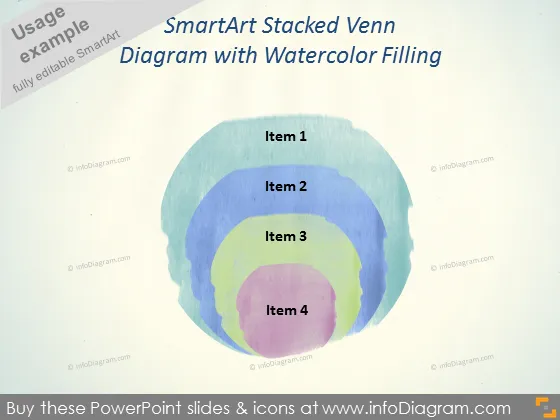
The PowerPoint slide presents a SmartArt Stacked Venn Diagram with four overlapping circles, each labeled as Item 1 through Item 4. This Venn diagram visually represents the interconnected relationships or shared traits among the four distinct items. Venn diagrams like this are often used to illustrate the concept of overlap and difference within multiple sets, allowing viewers to easily grasp the commonalities and unique characteristics of each item.
The slide strikes a balance between artistic and formal, with the watercolor-filled circles providing an aesthetically pleasing touch to what is traditionally a more rigid graphical representation.



