

Your graphics add a nice touch to my presentations and I recently used them for one of my all-hands meetings. Your toolbox adds professionalism to my slides. Instead of using standard clipart.
Claude Jones, Director of Engineer, @Walmartlabs, USA

Your graphics add a nice touch to my presentations and I recently used them for one of my all-hands meetings. Your toolbox adds professionalism to my slides. Instead of using standard clipart.
Claude Jones, Director of Engineer, @Walmartlabs, USA
I needed a fresh look at some of my slides. I've tried to find a way to create a paintbrush effect, to underline, accentuate, add some color and the handwritten markers were just the things. Very easy to use, easy to size, change the color. It was an affordable, perfect solution and I'm happy to recommend it.
Anonymous, US
The crisp, clean look of the graphics, and the fact that it allowed me to easily edit and change the colors to match the template was my main reason for purchasing them.
Brandie Jenkins, E-learning Developer, USA
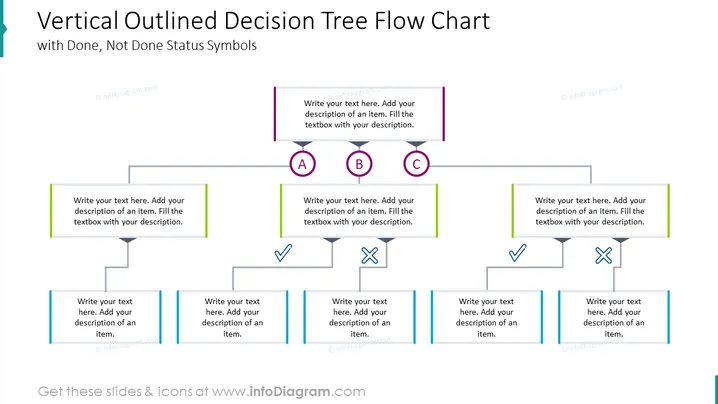
The slide presents a "Vertical Outlined Decision Tree Flow Chart" used to illustrate choices and resulting outcomes in a decision-making process. It includes placeholders for text to describe the scenario at each decision point or outcome, marked with letters A, B, C, a checkmark indicating a positive or ‘done’ status, and a cross symbolizing a negative or 'not done' status.
The slide is clean and organized with a color-coded scheme to distinguish between different paths in the decision tree. The use of icons aids in visually representing the completion status of different steps.



