Reviews
Your slides are my 'secret sauce' when it comes to visualising my ideas to clients. I'm saving so much time.
InfoDiagram has been a wonderful resource since I found the product site a few years ago.
Your slides often generate good comments and ideas from my team that improve the final slides.
Description
TITLE
Slide Content
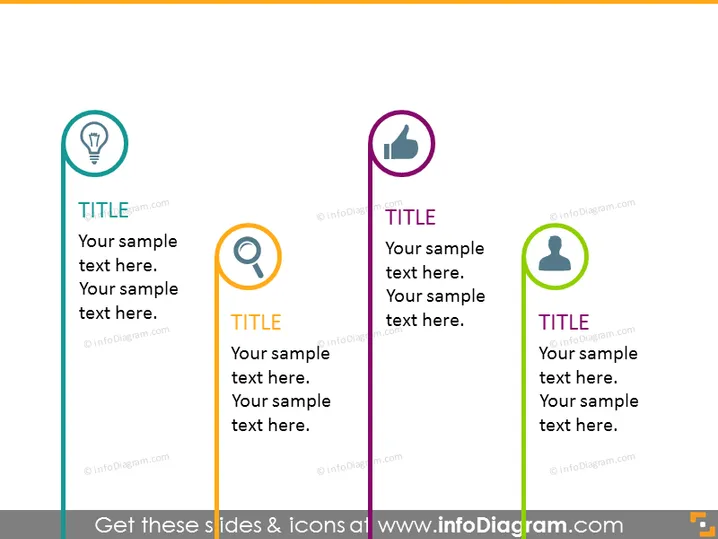
The PowerPoint slide appears to be designed for comparing three separate categories or topics with distinct icons representing each. Each category has a 'TITLE' placeholder followed by space for additional descriptive text. The lightbulb icon could symbolize ideas or innovation, the magnifying glass might represent research or analysis, and the person icon could indicate a user or customer focus. This structure is commonly used to break down and discuss different aspects of a business strategy or operational plan.
Graphical Look
- Three vertical colored lines (teal, orange, and green) act as separators for each section.
- At the top of each section, there's a circle containing an icon relevant to the text it accompanies.
- The icons are a lightbulb, magnifying glass, and person figure, each within its own colored circle which matches the separator line's color.
- Each section has a bolded 'TITLE' in black, designed to be replaced with the actual title of the topic.
- Below each title, there are two lines of sample text, placeholder for the actual content.
- The background of the slide is a light gray color, allowing the colored elements and text to stand out. The slide has a clear and modern design with a balanced use of color and space to make each section distinguishable. The use of icons helps to quickly communicate the theme of each section to the audience.
Use Cases
- Presenting different components or pillars of a business strategy.
- Outlining distinct phases or stages of a project timeline.
- Comparing product features, benefits, or different market segments.
- Offering a side-by-side comparison of competitive analysis or options.
How to Edit
How to edit text & colors

How to expand / shorten diagram

How to Replace Icons in infoDiagram PPT


