

Your graphics add a nice touch to my presentations and I recently used them for one of my all-hands meetings. Your toolbox adds professionalism to my slides. Instead of using standard clipart.
Claude Jones, Director of Engineer, @Walmartlabs, USA

Your graphics add a nice touch to my presentations and I recently used them for one of my all-hands meetings. Your toolbox adds professionalism to my slides. Instead of using standard clipart.
Claude Jones, Director of Engineer, @Walmartlabs, USA
I needed a fresh look at some of my slides. I've tried to find a way to create a paintbrush effect, to underline, accentuate, add some color and the handwritten markers were just the things. Very easy to use, easy to size, change the color. It was an affordable, perfect solution and I'm happy to recommend it.
Anonymous, US
The crisp, clean look of the graphics, and the fact that it allowed me to easily edit and change the colors to match the template was my main reason for purchasing them.
Brandie Jenkins, E-learning Developer, USA
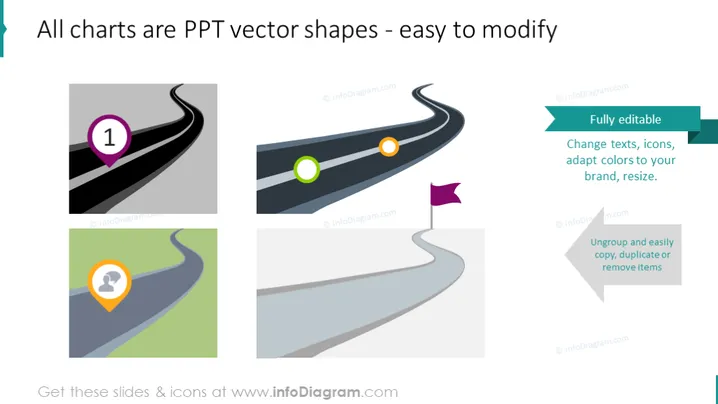
The slide provides information about the ease of modifying charts in PowerPoint. It emphasizes that all charts displayed are vector shapes, which means that they are not only fully editable but also allows individual component adjustment such as changing texts, icons, adapting colors to suit a particular branding requirement, and the ability to resize without losing quality. Additional functionalities mentioned include ungrouping elements for individual manipulation or copying and removing items with ease.
The slide has a clean and modern feel, using simple icons and minimalistic design to convey its message effectively. The diagrams serve as metaphors for the customizable journey of using PowerPoint templates.



