Reviews
Your graphics add a nice touch to my presentations and I recently used them for one of my all-hands meetings. Your toolbox adds professionalism to my slides. Instead of using standard clipart.
I needed a fresh look at some of my slides. I've tried to find a way to create a paintbrush effect, to underline, accentuate, add some color and the handwritten markers were just the things. Very easy to use, easy to size, change the color. It was an affordable, perfect solution and I'm happy to recommend it.
The crisp, clean look of the graphics, and the fact that it allowed me to easily edit and change the colors to match the template was my main reason for purchasing them.
Description
Two Columns Ebook Layout with Picture Placeholder
Slide Content: The slide is designed to present content in a two-column format, with a dedicated place for an introduction to the topic and main points. The first column contains placeholder text that instructs how to distinguish introductory text and main points. This includes changing text size, italicizing for emphasis, or altering color. Each paragraph provides generic Latin filler text as an example of where to input relevant content. There's also a designated area for adding any vital information or notes to draw attention to important points.
Graphical Look:
- The slide background is white, providing a neutral canvas for the content and images.
- On the left, there is a vertical teal line bordering the margin.
- The slide title is at the top left, in large, bold, dark text, making it immediately visible.
- The introduction and main point sections each have a placeholder title in bold and italicized text, respectively.
- Further down, there is a rectangle with a teal background and white text for additional notes or information.
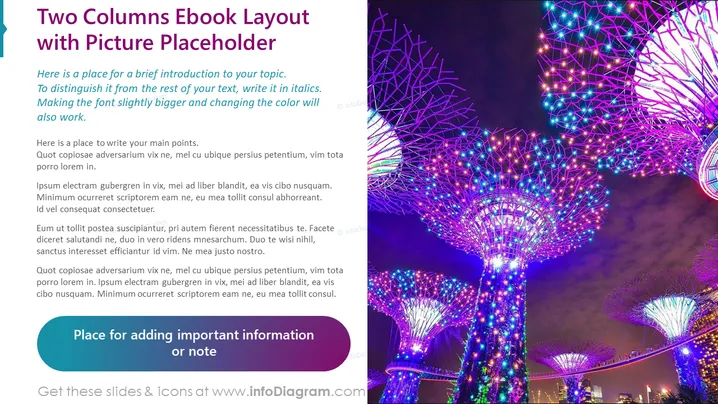
- The right half of the slide is dedicated to a photographic image placeholder.
- The image displayed is of vividly lit, futuristic tree-like structures with multi-colored lights against a night sky.
- The full slide has a rounded rectangular shape with a subtle shadow at the border, adding depth.
The overall look of the slide is clean and modern, with bold colors that draw attention. The layout is visually balanced between text and imagery, making it attractive for viewers.
Use Cases:
- Presenting chapters or sections in an ebook or digital publication.
- Summarizing key points alongside visual examples in a business presentation.
- Explaining contrasting concepts or ideas with text on one side and a supporting image on the other.
- Displaying product features next to an image of the product in marketing materials.
How to Edit
How to edit text & colors

How to expand / shorten diagram

How to Replace Icons in infoDiagram PPT


