Reviews
Ihre Grafiken verleihen meinen Präsentationen eine nette Note, und ich habe sie kürzlich für eines meiner All-Hands-Meetings verwendet. Ihre Toolbox verleiht meinen Folien Professionalität, anstatt Standard-Clipart zu verwenden.
Ich brauchte einen neuen Blick auf einige meiner Folien. Ich habe versucht, einen Weg zu finden, einen Pinselschlag-Effekt zu erzielen, um zu unterstreichen, hervorzuheben, Farbe hinzuzufügen, und die handgeschriebenen Markierungen waren genau das Richtige. Sehr einfach zu bedienen, leicht in der Größe zu ändern, die Farbe zu ändern. Es war eine erschwingliche, perfekte Lösung und ich empfehle sie gerne weiter.
Die klare, saubere Optik der Grafiken und die Tatsache, dass ich die Farben leicht bearbeiten und an die Vorlage anpassen konnte, war mein Hauptgrund für den Kauf.
Description
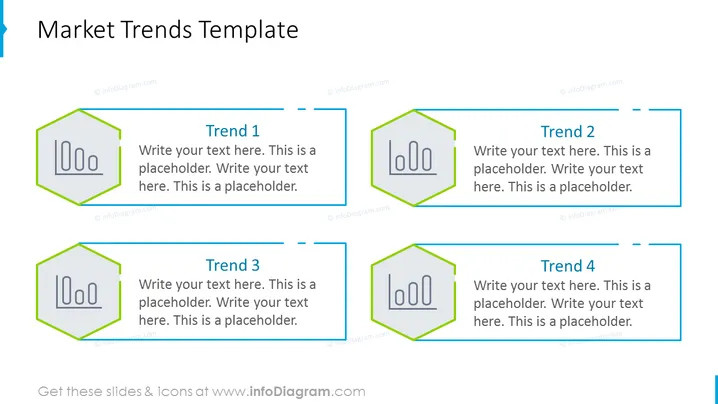
##Slide contents: The Market Trends Template shows an analysis of the current trends in the market. Whether you have a large or small business, it is important to know the trends of your target market to succeed. Thus, you should administer a market analysis to identify the consumer demand, competitor analysis, and suitable marketing techniques for your business. You should set your business plan based on the results of the market research. It is important to conduct a market analysis regularly to have a competitive advantage over others. It will help you gather insights into the competitors. This will help you determine the trends and set your business strategy accordingly. As a result, your company can alternate products and services or introduce new ones. You can also conduct marketing plans and strategies to address the industry needs of your target audience. A SWOT Analysis can be one way to do it. This template will help you write 5 popular trends in the industry. You can write a short description next to each one. You can also use icons to illustrate them which will make the slide more attention-grabbing. This PowerPoint Template is editable. You can download this PPT template on Google Slides and PowerPoint. ##Slide infographic description: White Background, Text Box, Hexagon Shape, Bar Graph Icon
How to Edit
How to edit text & colors

How to expand / shorten diagram

How to Replace Icons in infoDiagram PPT


