Your graphics add a nice touch to my presentations and I recently used them for one of my all-hands meetings. Your toolbox adds professionalism to my slides. Instead of using standard clipart.
Claude Jones, Director of Engineer, @Walmartlabs, USA
Your graphics add a nice touch to my presentations and I recently used them for one of my all-hands meetings. Your toolbox adds professionalism to my slides. Instead of using standard clipart.
Claude Jones, Director of Engineer, @Walmartlabs, USA
I needed a fresh look at some of my slides. I've tried to find a way to create a paintbrush effect, to underline, accentuate, add some color and the handwritten markers were just the things. Very easy to use, easy to size, change the color. It was an affordable, perfect solution and I'm happy to recommend it.
Anonymous, US
The crisp, clean look of the graphics, and the fact that it allowed me to easily edit and change the colors to match the template was my main reason for purchasing them.
Brandie Jenkins, E-learning Developer, USA
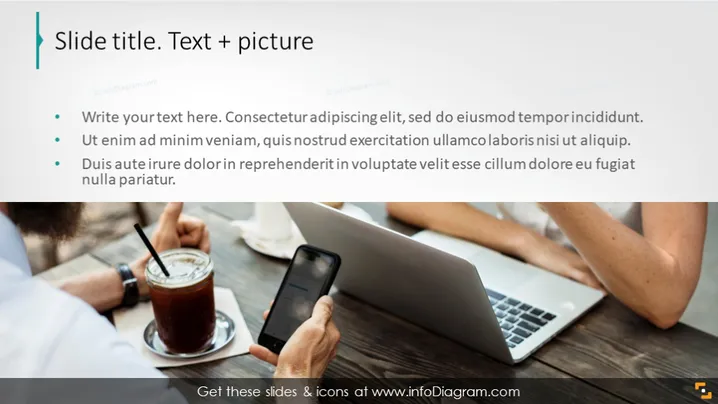
The slide is titled "Slide title. Text + picture," indicating a structure that combines written content with visual elements. Three bullet points suggest areas to input corresponding text, each prompt hinting at familiarity with business language and encouraging conciseness. These prompts might be placeholders for key points in a presentation, such as a project summary, highlighting benefits, or discussing challenges, which are typical in business or marketing presentations.
The overall look of the slide is professional, with a clear division between textual content on the left and a contextual image on the right. The color scheme is neutral, and the slide employs a minimalist design that emphasizes content over heavy graphics or decoration.




