

Your graphics add a nice touch to my presentations and I recently used them for one of my all-hands meetings. Your toolbox adds professionalism to my slides. Instead of using standard clipart.
Claude Jones, Director of Engineer, @Walmartlabs, USA

Your graphics add a nice touch to my presentations and I recently used them for one of my all-hands meetings. Your toolbox adds professionalism to my slides. Instead of using standard clipart.
Claude Jones, Director of Engineer, @Walmartlabs, USA
I needed a fresh look at some of my slides. I've tried to find a way to create a paintbrush effect, to underline, accentuate, add some color and the handwritten markers were just the things. Very easy to use, easy to size, change the color. It was an affordable, perfect solution and I'm happy to recommend it.
Anonymous, US
The crisp, clean look of the graphics, and the fact that it allowed me to easily edit and change the colors to match the template was my main reason for purchasing them.
Brandie Jenkins, E-learning Developer, USA
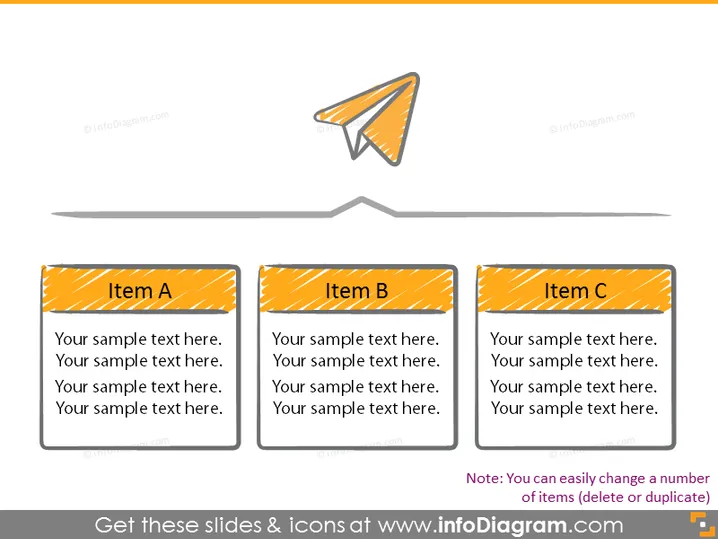
The slide is designed to compare three distinct items: A, B, and C. Each item has placeholder text that suggests where descriptive text about each item should be placed. The items are likely comparable in nature, significance, or category, and the text would elaborate on their unique properties, functions, or relevance to the subject at hand. For instance, “Item A” could elucidate a service's feature, “Item B” might delve into a different aspect of the service, and “Item C” could discuss a third related feature.
The slide has a clean and modern aesthetic, with a minimalistic design approach focused on clarity and readability. The use of bold colors and striped patterns draws attention to the individual sections, while the paper plane adds a dynamic and potentially creative aspect to the slide.



