Reviews
Your graphics add a nice touch to my presentations and I recently used them for one of my all-hands meetings. Your toolbox adds professionalism to my slides. Instead of using standard clipart.
I needed a fresh look at some of my slides. I've tried to find a way to create a paintbrush effect, to underline, accentuate, add some color and the handwritten markers were just the things. Very easy to use, easy to size, change the color. It was an affordable, perfect solution and I'm happy to recommend it.
The crisp, clean look of the graphics, and the fact that it allowed me to easily edit and change the colors to match the template was my main reason for purchasing them.
Description
DATA NETWORKS, SOCIAL NETWORK
Slide Content
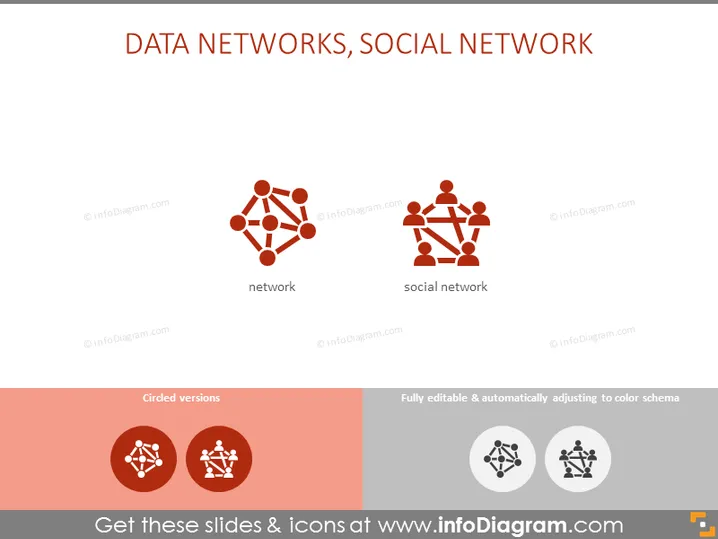
The PowerPoint slide titled "DATA NETWORKS, SOCIAL NETWORK" presents two key concepts: a network and a social network. The 'network' is typically illustrated as several nodes connected by lines, symbolizing technical or logical connections between different points or systems. Meanwhile, the 'social network' is depicted with multiple human figures connected, representing interpersonal relationships and social connections facilitated by technology.
Graphical Look
- The slide has a white background enhancing the visibility of the colored elements.
- The title "DATA NETWORKS, SOCIAL NETWORK" is in bold, black font centered at the top of the slide.
- There are two main icons centered on the slide with labels underneath in smaller black font.
- The first icon represents a network with interconnected dots and lines, conveying connectivity.
- The second icon symbolizes a social network with figures connected by lines, indicating social interactions.
- Below the main icons, there is a contrasting colored bar containing two variations of the icons showcased in circular frames.
- To the right of this, there are two smaller icons with a description indicating they are fully editable and adapt to color schemes.
The slide has a minimalist and clean design with a modern feel; the use of contrast and simple iconography provides an immediate understanding of the subject matter.
Use Cases
- Presenting the concept of networking and social networking within a corporate training or educational setting.
- Introducing network-related solutions or social media platforms in a business development or marketing strategy meeting.
- Illustrating the differences or similarities between technical networks and social networks during an IT or communications seminar.
- Using the slide to initiate a discussion on the impact of digital networks on personal and professional interactions in a workshop or panel discussion.
How to Edit
How to edit text & colors

How to expand / shorten diagram

How to Replace Icons in infoDiagram PPT


