Your graphics add a nice touch to my presentations and I recently used them for one of my all-hands meetings. Your toolbox adds professionalism to my slides. Instead of using standard clipart.
Claude Jones, Director of Engineer, @Walmartlabs, USA
Your graphics add a nice touch to my presentations and I recently used them for one of my all-hands meetings. Your toolbox adds professionalism to my slides. Instead of using standard clipart.
Claude Jones, Director of Engineer, @Walmartlabs, USA
I needed a fresh look at some of my slides. I've tried to find a way to create a paintbrush effect, to underline, accentuate, add some color and the handwritten markers were just the things. Very easy to use, easy to size, change the color. It was an affordable, perfect solution and I'm happy to recommend it.
Anonymous, US
The crisp, clean look of the graphics, and the fact that it allowed me to easily edit and change the colors to match the template was my main reason for purchasing them.
Brandie Jenkins, E-learning Developer, USA
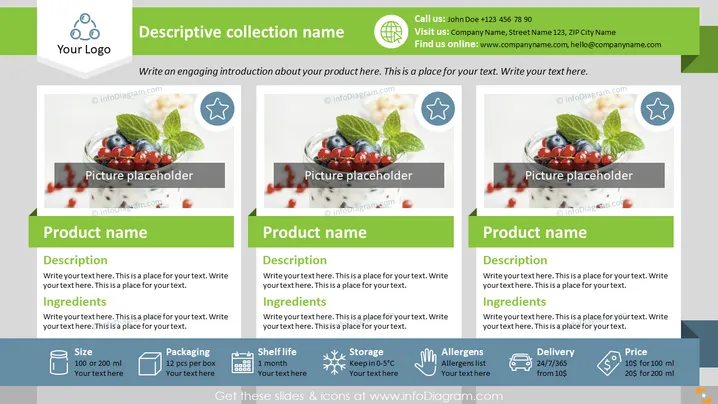
The PowerPoint slide appears to be part of a product catalog or collection presentation, showcasing individual food products. Each product section includes a "Product name" with a "Description" and "Ingredients" listed beneath, which would detail the product's features and contents. Icons for "Size," "Packaging," "Shelf life," "Storage," "Allergens," "Delivery," and "Price" provide practical information. These icons indicate the product's volume options, packaging type, how long it lasts, storage requirements, potential allergens, delivery terms, and cost, respectively—key details for retailers or consumers considering the product.
The slide is designed with a clean, organized layout, using visual elements like icons and images to create an engaging overview of products. The color scheme is professional and unobtrusive, making the information easily accessible.




