Reviews
Sus gráficos añaden un toque agradable a mis presentaciones y recientemente los usé para una de mis reuniones generales. Su conjunto de herramientas añade profesionalismo a mis diapositivas. En lugar de usar imágenes prediseñadas estándar.
Necesitaba un aspecto fresco para algunas de mis diapositivas. Había intentado encontrar una forma de crear un efecto de pincel, de subrayar, acentuar, añadir algo de color y los marcadores escritos a mano fueron justo lo que necesitaba. Muy fácil de usar, fácil de ajustar el tamaño, cambiar el color. Fue una solución asequible y perfecta, y estoy feliz de recomendarla.
El aspecto nítido y limpio de los gráficos, y el hecho de que me permitiera editar y cambiar fácilmente los colores para que coincidieran con la plantilla fue mi principal razón para comprarlos.
Description
Backgrounds
Slide Content
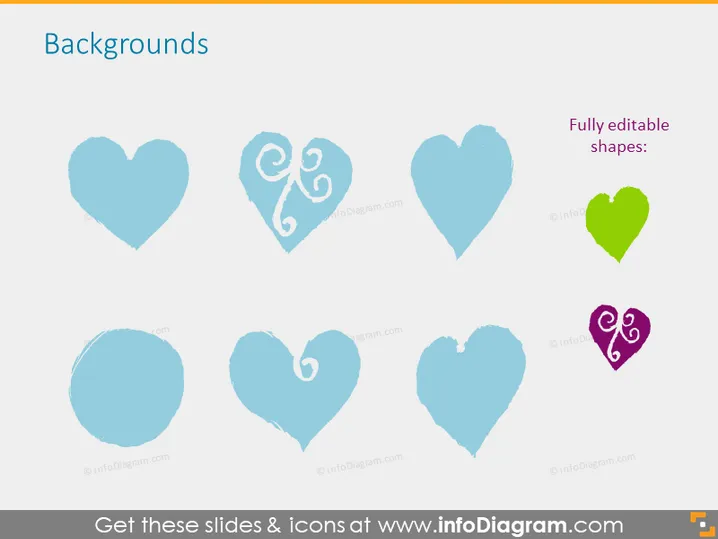
The PowerPoint slide is titled "Backgrounds" and showcases a collection of heart-shaped graphics with various designs and textures. These illustrations range from simplistic and solid hearts to more intricate variations with decorative swirls within the heart. The slide notes that these shapes are "Fully editable," which means that each heart can be customized in terms of color, size, or detail, making them versatile for various purposes in presentation design.
Graphical Look
- The slide features a light background with a slight gradient.
- A bold title "Backgrounds" is displayed at the top in a large, sans-serif font.
- Eight heart icons are arranged in two rows of four.
- The hearts have a consistent style but differ in their internal patterns.
- One heart stands out in a bright green color, while another is purple, which contrasts with the predominant blue palette.
- Text to the right of the top row states "Fully editable shapes:" in a smaller, sans-serif font.
- The hearts are vector graphics, implying that they can be manipulated without losing quality.
The slide's overall look is clean and minimalistic, using a harmonious blue-toned color palette with two hearts that pop out in green and purple. The hearts are artistic and visually appealing, suggesting a creative approach to the subject of backgrounds.
Use Cases
- To illustrate different themes or emotions in marketing presentations.
- As part of a design-focused workshop, demonstrating how objects can be customized.
- In branding sessions to explore different logo variations.
- To visually enhance slides in a presentation related to relationship management, love, or Valentine's Day campaigns.
How to Edit
How to edit text & colors

How to expand / shorten diagram

How to Replace Icons in infoDiagram PPT


