

Your graphics add a nice touch to my presentations and I recently used them for one of my all-hands meetings. Your toolbox adds professionalism to my slides. Instead of using standard clipart.
Claude Jones, Director of Engineer, @Walmartlabs, USA

Your graphics add a nice touch to my presentations and I recently used them for one of my all-hands meetings. Your toolbox adds professionalism to my slides. Instead of using standard clipart.
Claude Jones, Director of Engineer, @Walmartlabs, USA
I needed a fresh look at some of my slides. I've tried to find a way to create a paintbrush effect, to underline, accentuate, add some color and the handwritten markers were just the things. Very easy to use, easy to size, change the color. It was an affordable, perfect solution and I'm happy to recommend it.
Anonymous, US
The crisp, clean look of the graphics, and the fact that it allowed me to easily edit and change the colors to match the template was my main reason for purchasing them.
Brandie Jenkins, E-learning Developer, USA
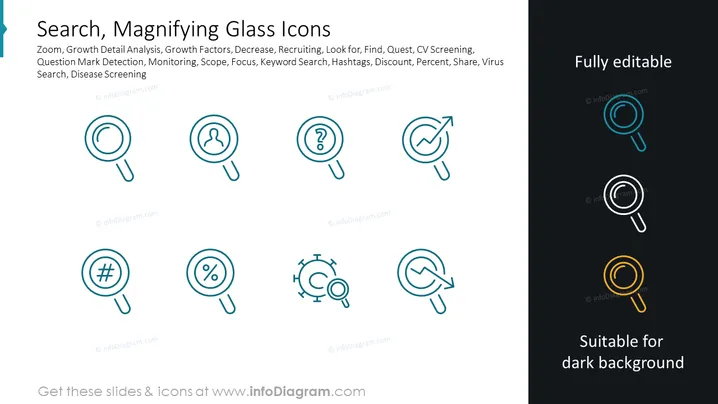
The PowerPoint slide presents a collection of "Search, Magnifying Glass Icons" that portray various concepts related to search and analysis functions. The icons represent: Zoom, suggesting a closer look or detail examination; Growth Detail Analysis, examining the finer aspects of growth; Growth Factors, elements that contribute to growth; Decrease, indicating a reduction; Recruiting, the process of finding candidates; Look for, the action of searching; Find, the outcome of a search; Quest, a search with a purpose; CV Screening, evaluating resumes; Question Mark Detection, identifying uncertainties; Monitoring, continuous observation; Scope, the extent of the area under observation; Focus, concentration on a particular area; Keyword Search, looking for specific terms; Hashtags, labels for content categorization on social media; Discount, a reduction in price; Percent, a proportion in relation to a whole; Share, distributing information; and Virus Search, detecting malicious software or pathogens. Each icon cleverly integrates the magnifying glass symbol with an additional element that represents these diverse concepts.
The slide has a professional and sleek design with a clear focus on the icons. The use of negative space ensures that each icon stands out, making it easy to communicate the intended message visually.



