Your graphics add a nice touch to my presentations and I recently used them for one of my all-hands meetings. Your toolbox adds professionalism to my slides. Instead of using standard clipart.
Claude Jones, Director of Engineer, @Walmartlabs, USA
Your graphics add a nice touch to my presentations and I recently used them for one of my all-hands meetings. Your toolbox adds professionalism to my slides. Instead of using standard clipart.
Claude Jones, Director of Engineer, @Walmartlabs, USA
I needed a fresh look at some of my slides. I've tried to find a way to create a paintbrush effect, to underline, accentuate, add some color and the handwritten markers were just the things. Very easy to use, easy to size, change the color. It was an affordable, perfect solution and I'm happy to recommend it.
Anonymous, US
The crisp, clean look of the graphics, and the fact that it allowed me to easily edit and change the colors to match the template was my main reason for purchasing them.
Brandie Jenkins, E-learning Developer, USA
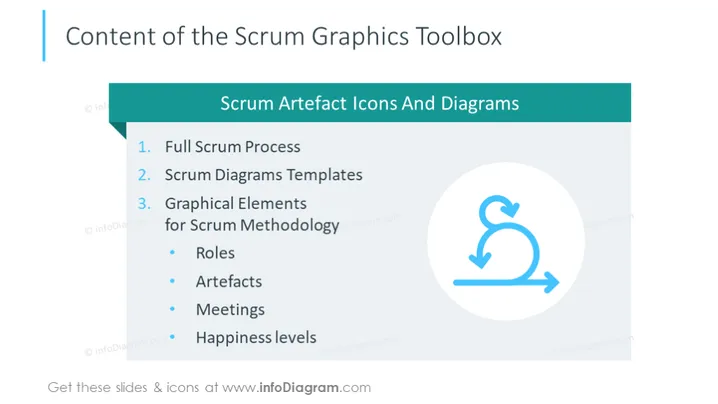
The slide is titled "Content of the Scrum Graphics Toolbox" and outlines what is included in the toolbox. The Scrum Graphics Toolbox presumably offers a variety of resources and templates for Scrum practitioners. It includes a full overview of the Scrum process, versatile diagram templates designed for Scrum activities, and graphical elements specific to Scrum methodology such as Roles (defining the responsibilities of team members), Artifacts (the tools and documents used in Scrum), Meetings (types of gatherings held during a Scrum cycle), and approaches to assess Happiness levels within a team.
The slide adopts a clean and professional layout with a simple color scheme, enhancing focus on the content. The graphical elements serve as visual cues for the concepts introduced in the textual descriptions.




