Reviews
Your graphics add a nice touch to my presentations and I recently used them for one of my all-hands meetings. Your toolbox adds professionalism to my slides. Instead of using standard clipart.
I needed a fresh look at some of my slides. I've tried to find a way to create a paintbrush effect, to underline, accentuate, add some color and the handwritten markers were just the things. Very easy to use, easy to size, change the color. It was an affordable, perfect solution and I'm happy to recommend it.
The crisp, clean look of the graphics, and the fact that it allowed me to easily edit and change the colors to match the template was my main reason for purchasing them.
Description
Scrum Meetings – Retrospective
Slide Content
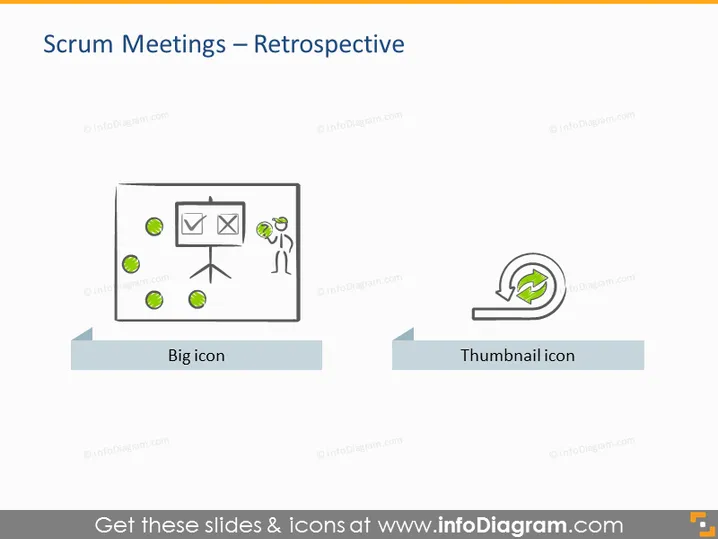
The PowerPoint slide is titled "Scrum Meetings – Retrospective" and presents two main graphical labels - "Big icon" and "Thumbnail icon". The slide focuses on the concept of a retrospective, which is a common agile practice where team members reflect on the past sprint to identify successes and areas for improvement. The "Big icon" typically represents a more detailed or emphasized aspect, whereas the "Thumbnail icon" suggests a smaller, perhaps secondary feature or a quick reference point.
Graphical Look
- Title in a large, bold, sans-serif font, centered at the top of the slide.
- Two graphical elements are represented below the title, aligned horizontally across the middle of the slide on separate gray platforms.
- The left graphic, under the label "Big icon", features an illustration of a person standing next to a flipchart with various marks and a green checkmark; the person appears to be engaging with the content on the board, emphasizing interaction or presentation.
- The right graphic, under the label "Thumbnail icon", shows a circular arrow surrounding a green checkmark, which likely signifies an iterative process or cycle of continuous improvement.
- Each icon is assigned a label in a smaller, bold font, centrally placed directly below the represented icon.
- The background of the slide is plain white, while each icon is placed on a light gray horizontal banner that provides contrast and a sense of grounding for the graphics.
The slide uses a clean and minimalist design with a straightforward layout. The visuals are simple yet purposeful, using symbolic imagery to convey concepts related to scrum and agile methodologies.
Use Cases
- To introduce the topic of scrum retrospectives during an agile training session or workshop.
- In a meeting to propose the implementation of retrospectives as part of the scrum process within a team.
- As a visual aid in a presentation about best practices for conducting effective retrospectives.
- To visually summarize the purpose and benefit of retrospectives to stakeholders or new team members unfamiliar with agile processes.
How to Edit
How to edit text & colors

How to expand / shorten diagram

How to Replace Icons in infoDiagram PPT


