Your graphics add a nice touch to my presentations and I recently used them for one of my all-hands meetings. Your toolbox adds professionalism to my slides. Instead of using standard clipart.
Claude Jones, Director of Engineer, @Walmartlabs, USA
Your graphics add a nice touch to my presentations and I recently used them for one of my all-hands meetings. Your toolbox adds professionalism to my slides. Instead of using standard clipart.
Claude Jones, Director of Engineer, @Walmartlabs, USA
I needed a fresh look at some of my slides. I've tried to find a way to create a paintbrush effect, to underline, accentuate, add some color and the handwritten markers were just the things. Very easy to use, easy to size, change the color. It was an affordable, perfect solution and I'm happy to recommend it.
Anonymous, US
The crisp, clean look of the graphics, and the fact that it allowed me to easily edit and change the colors to match the template was my main reason for purchasing them.
Brandie Jenkins, E-learning Developer, USA
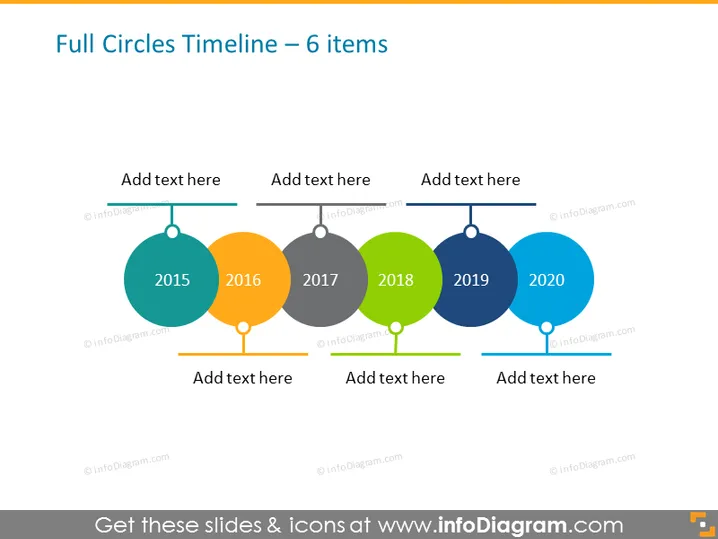
The slide presents a timeline with six circular elements, each representing a year from 2015 to 2020. The circles are colored differently and connected by a horizontal line that allows for a visual tracking of progress or events over time. Each circle has a place to add corresponding text below it, making it a customizable tool for presentations that need to display a sequence of events, milestones, or historical data over a six-year period.
The visual composition of the slide is clean and modern, with a good contrast between the colorful circles and the dark timeline. The colors chosen are vibrant and contribute to an engaging visual hierarchy, making it easy to distinguish between the different years.




