Your graphics add a nice touch to my presentations and I recently used them for one of my all-hands meetings. Your toolbox adds professionalism to my slides. Instead of using standard clipart.
Claude Jones, Director of Engineer, @Walmartlabs, USA
Your graphics add a nice touch to my presentations and I recently used them for one of my all-hands meetings. Your toolbox adds professionalism to my slides. Instead of using standard clipart.
Claude Jones, Director of Engineer, @Walmartlabs, USA
I needed a fresh look at some of my slides. I've tried to find a way to create a paintbrush effect, to underline, accentuate, add some color and the handwritten markers were just the things. Very easy to use, easy to size, change the color. It was an affordable, perfect solution and I'm happy to recommend it.
Anonymous, US
The crisp, clean look of the graphics, and the fact that it allowed me to easily edit and change the colors to match the template was my main reason for purchasing them.
Brandie Jenkins, E-learning Developer, USA
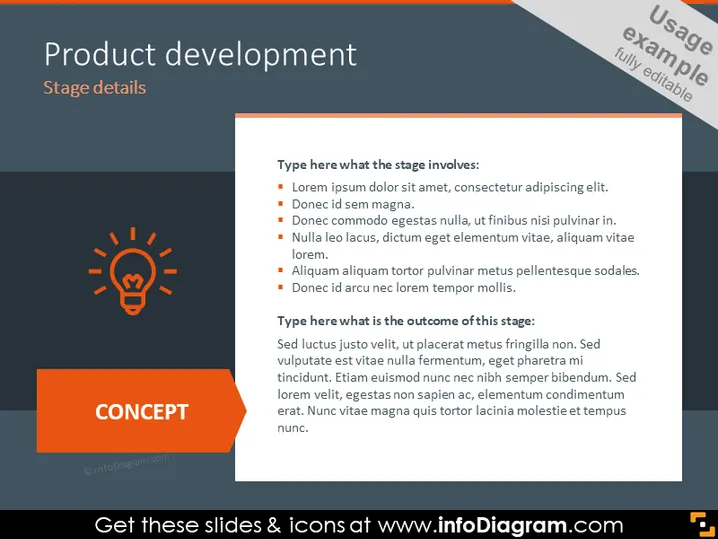
The PowerPoint slide titled "Product development" presents an outline for discussing the details of a stage in the product development process. There are two main sections: one listing what the stage involves and another describing the outcomes of this stage. The stage involves aspects are described using placeholder text (Lorem ipsum), indicating the need for customization with actual details, which typically include task descriptions, resources needed, and challenges faced. The outcomes of the stage are given in a similar Lorem ipsum text format, suggesting results such as achieved goals, performance metrics, or impact assessments that stem from completing the stage.
The slide is designed with a professional and clean layout, using contrasting colors to highlight different sections and text. The presence of a lightbulb icon and distinct areas for input suggest clarity and focus on specific aspects of the product development process.




