Reviews
Your graphics add a nice touch to my presentations and I recently used them for one of my all-hands meetings. Your toolbox adds professionalism to my slides. Instead of using standard clipart.
I needed a fresh look at some of my slides. I've tried to find a way to create a paintbrush effect, to underline, accentuate, add some color and the handwritten markers were just the things. Very easy to use, easy to size, change the color. It was an affordable, perfect solution and I'm happy to recommend it.
The crisp, clean look of the graphics, and the fact that it allowed me to easily edit and change the colors to match the template was my main reason for purchasing them.
Description
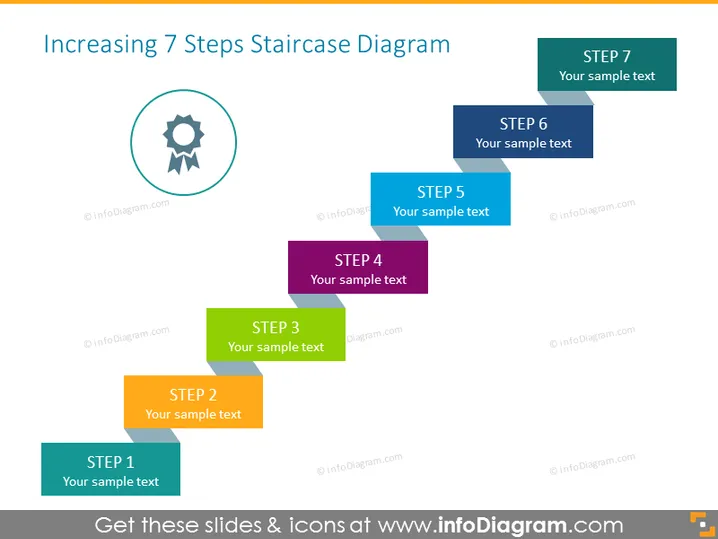
Increasing 7 Steps Staircase Diagram
Slide Content
The slide is titled "Increasing 7 Steps Staircase Diagram," suggesting a process or development with seven stages. Each step is visually represented by a colorful block labeled with the word "STEP" followed by a corresponding number (1 to 7) and placeholder text "Your sample text," indicating where explanatory text can be added. The steps are arranged in ascending order, which may imply progression, improvement, or sequential steps in a process.
Graphical Look
- A large title at the top in blue, bold font.
- Seven rectangular shapes of varying colors representing steps, arranged in a staggered ascending fashion from left to right.
- Each rectangular shape has a number and text box for customization.
- A circular icon with a gear symbol inside it placed next to STEP 1.
- The color palette consists of soft, pastel-like tones with a professional appearance.
- All text is in white, providing good contrast against the colored background of the steps.
The overall look of the slide is clean and modern, with a clear visual representation of a sequential process. The use of different colors for each step visually separates the stages and is aesthetically pleasing.
Use Cases
- Outlining the phases of a project or a business strategy.
- Presenting a step-by-step guide during training or instructional sessions.
- Demonstrating progression in sales, product development, or market growth.
- Using as an agenda slide to provide an overview of a multi-step process in a meeting or workshop.
How to Edit
How to edit text & colors

How to expand / shorten diagram

How to Replace Icons in infoDiagram PPT


