Reviews
Sus gráficos añaden un toque agradable a mis presentaciones y recientemente los usé para una de mis reuniones generales. Su conjunto de herramientas añade profesionalismo a mis diapositivas. En lugar de usar imágenes prediseñadas estándar.
Necesitaba un aspecto fresco para algunas de mis diapositivas. Había intentado encontrar una forma de crear un efecto de pincel, de subrayar, acentuar, añadir algo de color y los marcadores escritos a mano fueron justo lo que necesitaba. Muy fácil de usar, fácil de ajustar el tamaño, cambiar el color. Fue una solución asequible y perfecta, y estoy feliz de recomendarla.
El aspecto nítido y limpio de los gráficos, y el hecho de que me permitiera editar y cambiar fácilmente los colores para que coincidieran con la plantilla fue mi principal razón para comprarlos.
Description
Presenting Icons
Slide Content
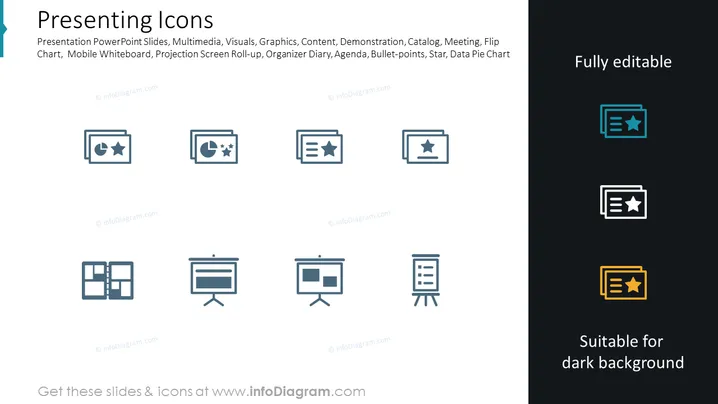
The slide is a showcase of various icons related to presentation tools and contexts, such as PowerPoint slides, multimedia elements, graphics, content design, and presentation formats like demonstrations, meetings, and data charts. Each icon symbolizes a different aspect of presenting; for example, the flip chart icon represents traditional presentation methods, whereas the bullet-points icon might be used to illustrate key takeaways or agenda items in a presentation.
Graphical Look
- The slide background is a gradient from lighter to darker blue, creating a professional look.
- There are eight icons in total, aligned in two rows and four columns.
- The icons are monochromatic, mainly in a muted navy blue, complementing the slide's background.
- Each icon is contained within a rectangle with rounded corners.
- The icons on the right are variants suitable for dark backgrounds, highlighted in contrasting colors of teal, dark blue, and gold.
- A prominent title in large, bold, white font spans the top left corner of the slide.
- An additional text box is located on the top right, indicating that the icons are "Fully editable".
- Another text box in the bottom right corner matches the icons on the right, stating "Suitable for dark backgrounds."
The slide has a clean, modern design with a consistent iconographic style. The choice of a dark blue palette conveys professionalism and is visually calming.
Use Cases
- To enhance visual communication in corporate presentations by demonstrating different presentation formats or tools.
- In training materials to symbolize and discuss various methods of delivering information to an audience.
- On websites or in digital content where crisp, clear icons are needed to break up text and illustrate presentation-related services or features.
- In personal branding materials such as digital resumes or portfolios to denote presentation skills and experience.
How to Edit
How to edit text & colors

How to expand / shorten diagram

How to Replace Icons in infoDiagram PPT


