

Your graphics add a nice touch to my presentations and I recently used them for one of my all-hands meetings. Your toolbox adds professionalism to my slides. Instead of using standard clipart.
Claude Jones, Director of Engineer, @Walmartlabs, USA

Your graphics add a nice touch to my presentations and I recently used them for one of my all-hands meetings. Your toolbox adds professionalism to my slides. Instead of using standard clipart.
Claude Jones, Director of Engineer, @Walmartlabs, USA
I needed a fresh look at some of my slides. I've tried to find a way to create a paintbrush effect, to underline, accentuate, add some color and the handwritten markers were just the things. Very easy to use, easy to size, change the color. It was an affordable, perfect solution and I'm happy to recommend it.
Anonymous, US
The crisp, clean look of the graphics, and the fact that it allowed me to easily edit and change the colors to match the template was my main reason for purchasing them.
Brandie Jenkins, E-learning Developer, USA
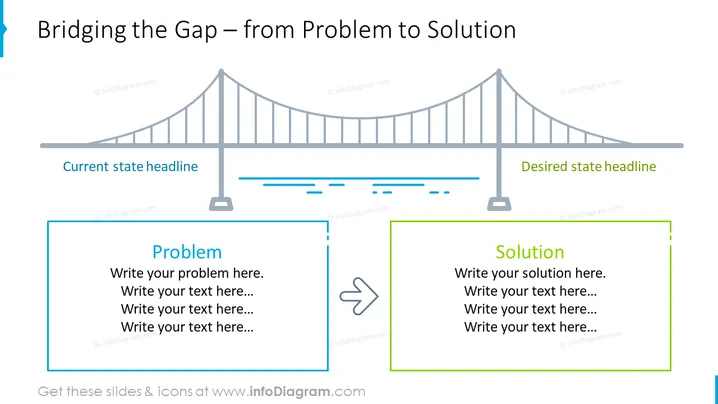
The slide aims to illustrate the process of transitioning from a 'Current state' to a 'Desired state' through the identification of a Problem and the proposition of a Solution. On the left side, under 'Current state headline', viewers are prompted to articulate a Problem in the provided text box. This represents the starting point or challenge to be addressed. On the opposite end, under 'Desired state headline', there's a text box for outlining the Solution, symbolizing the goal or resolution. A bridge graphic spans across the slide symbolizing the journey from problem to solution.
The overall look of the slide is clean and professional, with a minimalist design utilizing a limited color palette to highlight key elements. The use of a bridge as a metaphor for transition is visually engaging and enhances the understanding of the slide's message.



