Your graphics add a nice touch to my presentations and I recently used them for one of my all-hands meetings. Your toolbox adds professionalism to my slides. Instead of using standard clipart.
Claude Jones, Director of Engineer, @Walmartlabs, USA
Your graphics add a nice touch to my presentations and I recently used them for one of my all-hands meetings. Your toolbox adds professionalism to my slides. Instead of using standard clipart.
Claude Jones, Director of Engineer, @Walmartlabs, USA
I needed a fresh look at some of my slides. I've tried to find a way to create a paintbrush effect, to underline, accentuate, add some color and the handwritten markers were just the things. Very easy to use, easy to size, change the color. It was an affordable, perfect solution and I'm happy to recommend it.
Anonymous, US
The crisp, clean look of the graphics, and the fact that it allowed me to easily edit and change the colors to match the template was my main reason for purchasing them.
Brandie Jenkins, E-learning Developer, USA
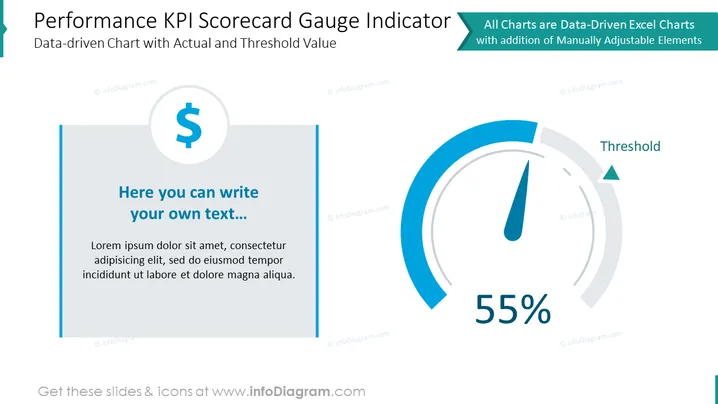
The slide is focused on presenting a "Performance KPI Scorecard Gauge Indicator," which illustrates a data-driven approach to measuring key performance indicators (KPIs). It juxtaposes actual performance against a predefined threshold to give a snapshot of how well targets are being met. The slide is split into two separate sections: the left section features a placeholder for text with a dollar symbol, suggesting a financial context, while the right section displays a gauge chart with the label "Threshold" and a 55% performance indicator, offering an easily interpreted visual representation of KPI achievement.
The slide has a clean and modern look with a professional blue and grey color scheme. The layout is balanced with the text on the left and the gauge graphic on the right for a clear visual distinction between textual information and data visualization.




