Reviews
Your graphics add a nice touch to my presentations and I recently used them for one of my all-hands meetings. Your toolbox adds professionalism to my slides. Instead of using standard clipart.
I needed a fresh look at some of my slides. I've tried to find a way to create a paintbrush effect, to underline, accentuate, add some color and the handwritten markers were just the things. Very easy to use, easy to size, change the color. It was an affordable, perfect solution and I'm happy to recommend it.
The crisp, clean look of the graphics, and the fact that it allowed me to easily edit and change the colors to match the template was my main reason for purchasing them.
Description
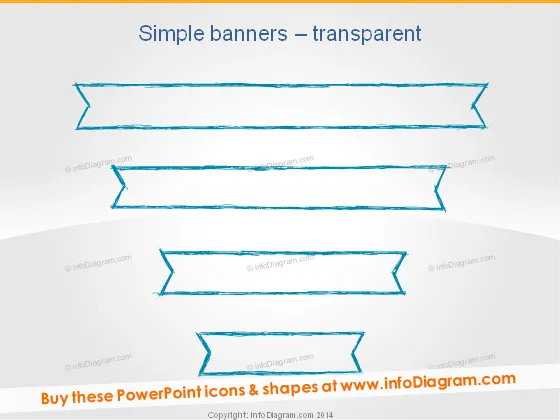
Simple banners – transparent
Slide Content
The slide is titled "Simple banners – transparent" and contains a collection of four hand-drawn style banner graphics. Each banner has a unique shape and design, suggesting their use for highlighting different pieces of information or distinguishing between various topics. These banners are devoid of any text, indicating that they are meant to be customized by the user.
Graphical Look
- The background of the slide is a subtle gradient from a lighter shade at the top to a darker shade at the bottom.
- Four banners with a hand-drawn aesthetic float in the central area of the slide.
- Each banner has a different design curve and edge detail, contributing to their hand-drawn look.
- The top two banners are larger and have parallel lines, while the bottom two are smaller, with the third banner showing a more pronounced outline.
- The colors scheme is monochromatic, using shades of blue for the banners.
The slide has a clean, modern feel with a creative twist due to the sketched appearance of the banners. The hand-drawn style adds a touch of informality and approachability.
Use Cases
- To highlight key points or topics within a business presentation.
- As placeholders for quotes or testimonials from clients or partners.
- For delineating sections in an agenda or summarizing content in a visually appealing way.
- To enhance the visual appeal of a slide when presenting statistics or achievements.
How to Edit
How to edit text & colors

How to expand / shorten diagram

How to Replace Icons in infoDiagram PPT


