

Your graphics add a nice touch to my presentations and I recently used them for one of my all-hands meetings. Your toolbox adds professionalism to my slides. Instead of using standard clipart.
Claude Jones, Director of Engineer, @Walmartlabs, USA

Your graphics add a nice touch to my presentations and I recently used them for one of my all-hands meetings. Your toolbox adds professionalism to my slides. Instead of using standard clipart.
Claude Jones, Director of Engineer, @Walmartlabs, USA
I needed a fresh look at some of my slides. I've tried to find a way to create a paintbrush effect, to underline, accentuate, add some color and the handwritten markers were just the things. Very easy to use, easy to size, change the color. It was an affordable, perfect solution and I'm happy to recommend it.
Anonymous, US
The crisp, clean look of the graphics, and the fact that it allowed me to easily edit and change the colors to match the template was my main reason for purchasing them.
Brandie Jenkins, E-learning Developer, USA
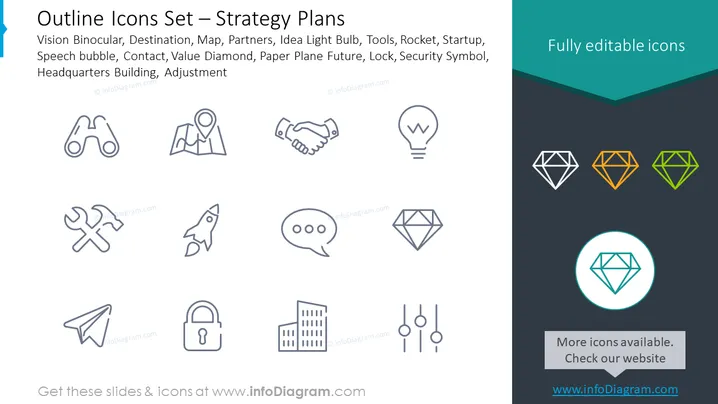
The slide titled "Outline Icons Set — Strategy Plans" showcases a collection of icons that represent various strategic concepts and tools. Vision Binocular suggests the importance of foresight and scanning the horizon for opportunities or threats. Destination is about goal setting or end-points. Map denotes navigating or planning. Partners symbolizes collaboration or alliances. Idea Light Bulb stands for innovation or new solutions. Tools represent the means to execute or craft strategy. Rocket implies rapid growth or launch. Startup refers to new ventures or beginnings. Speech bubble indicates communication or dialogue. Contact is about connections or networking. Value Diamond symbolizes worth or core benefits. Paper Plane Future hints at visionary planning or forward-thinking. Lock depicts security or protecting assets. Security Symbol often represents safeguarding information. Headquarters Building denotes company location or central operations. Adjustment is about improvements or modifications.
The slide's clean and symmetrical design uses contrasting colors and simple iconography to convey different strategic concepts quickly and intuitively. The highlighted icon draws particular attention, suggesting its significance or selection.
For illustrating strategic concepts during internal business presentations or training sessions.
As a visual aid in strategic planning workshops to facilitate discussion and brainstorm ing on various aspects of business planning.
In pitch decks for startups to represent the components of their business model or growth strategy.
As part of an executive summary to visually communicate key strategic elements to stakeholders or investors.



