

Your graphics add a nice touch to my presentations and I recently used them for one of my all-hands meetings. Your toolbox adds professionalism to my slides. Instead of using standard clipart.
Claude Jones, Director of Engineer, @Walmartlabs, USA

Your graphics add a nice touch to my presentations and I recently used them for one of my all-hands meetings. Your toolbox adds professionalism to my slides. Instead of using standard clipart.
Claude Jones, Director of Engineer, @Walmartlabs, USA
I needed a fresh look at some of my slides. I've tried to find a way to create a paintbrush effect, to underline, accentuate, add some color and the handwritten markers were just the things. Very easy to use, easy to size, change the color. It was an affordable, perfect solution and I'm happy to recommend it.
Anonymous, US
The crisp, clean look of the graphics, and the fact that it allowed me to easily edit and change the colors to match the template was my main reason for purchasing them.
Brandie Jenkins, E-learning Developer, USA
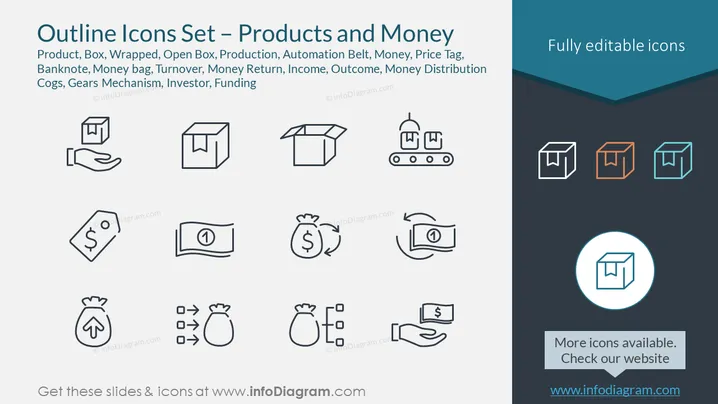
The PowerPoint slide is titled "Outline Icons Set – Products and Money" and it features a collection of black and white outline icons related to production and finance. These icons include representations of a "Product," suggesting a finished good, "Box" and "Wrapped" indicating packaging options, "Open Box" which implies unpackaging or revealing contents, "Production," possibly a symbol for manufacturing processes, "Automation Belt" relating to mechanical automation, "Money" as a universal symbol of currency, a "Price Tag" for labeling value, "Banknote" representing paper money, "Money bag," which is typically used to denote savings or wealth, "Turnover" likely embodying business revenue, "Money Return" indicating refunds or rebates, "Income" as earnings, "Outcome" reflecting expenses, "Money Distribution" which could be associated with allocation of financial resources, and "Cogs, Gears Mechanism" standing for operations or engineering, "Investor" pertains to individuals or entities that provide capital, and "Funding" which is about financial support for a project or enterprise.
The overall look of the slide is clean and professional, with a clear emphasis on the icons through the use of contrast and alignment. The icons are minimalist and easily recognizable, which makes them effective for conveying the concepts they represent.



