Reviews
Your graphics add a nice touch to my presentations and I recently used them for one of my all-hands meetings. Your toolbox adds professionalism to my slides. Instead of using standard clipart.
I needed a fresh look at some of my slides. I've tried to find a way to create a paintbrush effect, to underline, accentuate, add some color and the handwritten markers were just the things. Very easy to use, easy to size, change the color. It was an affordable, perfect solution and I'm happy to recommend it.
The crisp, clean look of the graphics, and the fact that it allowed me to easily edit and change the colors to match the template was my main reason for purchasing them.
Description
Outline Icons Set – Ecology
Slide Content
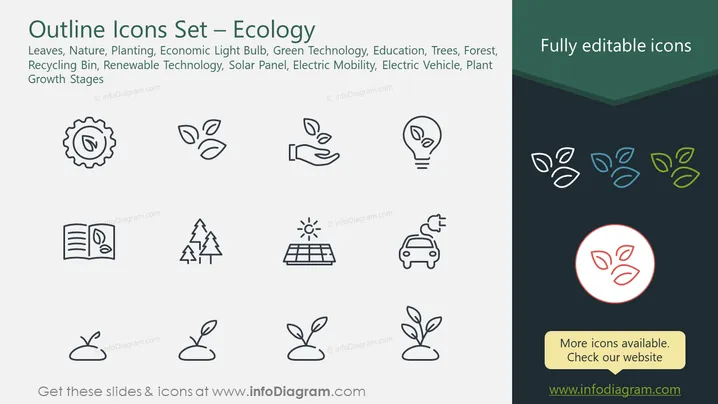
This PowerPoint slide is titled "Outline Icons Set – Ecology" and presents a collection of minimalist, outlined icons relating to sustainability and environmental themes. The icons represent various concepts including leaves (nature), planting (agriculture), an economic lightbulb (energy efficiency), green technology, education (awareness), trees/forest (conservation), a recycling bin (waste management), renewable technology (alternative energy), solar panels (sustainable power), electric mobility (clean transportation), electric vehicle (eco-friendly transport), and plant growth stages (development and life cycle).
Graphical Look
- The slide background is split diagonally, with the majority in white and a corner in dark teal.
- The title is prominently displayed at the top in large, dark grey text against the white background.
- There's a colored ribbon in dark teal behind the "Fully editable icons" text, creating a contrast with the white slide area.
- The icons are arranged in two columns, with three rows on the left and two on the right, evenly spaced.
- Each icon is simple and outlined, designed for high clarity and ease of understanding.
- The icons on the right side are replicated three times with different shades of blue and green to imply customizability.
- The bottom right corner contains a red-bordered circle highlighting a leaf icon, paired with a text box in a similar color scheme promoting more available icons.
The slide is clean, with a professional look and a clear focus on the icons, which are the main element. The use of colors is minimal but effectively highlights the theme of ecology and customization options.
Use Cases
- To illustrate eco-friendly business practices or corporate social responsibility strategies.
- In educational settings, to teach students about environmental conservation and sustainability.
- As a visual aid in presentations that discuss green technologies and renewable energy initiatives.
- In marketing materials to showcase a company's commitment to ecological products or sustainable services.
How to Edit
How to edit text & colors

How to expand / shorten diagram

How to Replace Icons in infoDiagram PPT


