

Your graphics add a nice touch to my presentations and I recently used them for one of my all-hands meetings. Your toolbox adds professionalism to my slides. Instead of using standard clipart.
Claude Jones, Director of Engineer, @Walmartlabs, USA

Your graphics add a nice touch to my presentations and I recently used them for one of my all-hands meetings. Your toolbox adds professionalism to my slides. Instead of using standard clipart.
Claude Jones, Director of Engineer, @Walmartlabs, USA
I needed a fresh look at some of my slides. I've tried to find a way to create a paintbrush effect, to underline, accentuate, add some color and the handwritten markers were just the things. Very easy to use, easy to size, change the color. It was an affordable, perfect solution and I'm happy to recommend it.
Anonymous, US
The crisp, clean look of the graphics, and the fact that it allowed me to easily edit and change the colors to match the template was my main reason for purchasing them.
Brandie Jenkins, E-learning Developer, USA
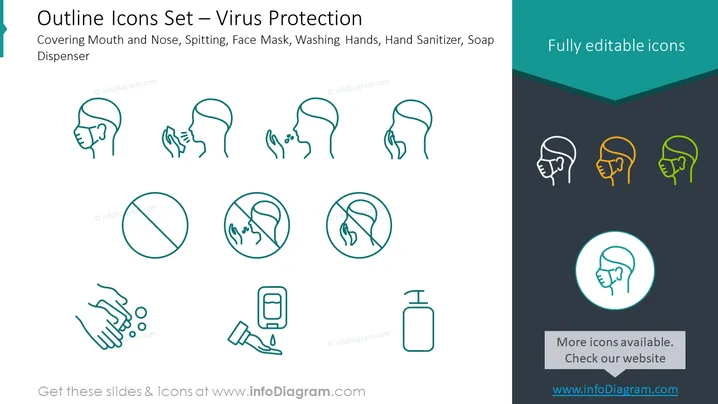
The PowerPoint slide presents an "Outline Icons Set — Virus Protection" representing various preventative actions for virus safety, including covering the mouth and nose to stop droplet spread, not spitting to maintain hygiene, using a face mask to filter air, washing hands to clean off germs, utilizing hand sanitizer for disinfection when water is unavailable, and using soap for effective handwashing.
The overall look of the slide is minimalistic and clean, with a strong visual focus on the icons representing the virus protection measures. The teal color scheme and graphics provide a professional and approachable design.



