

Your graphics add a nice touch to my presentations and I recently used them for one of my all-hands meetings. Your toolbox adds professionalism to my slides. Instead of using standard clipart.
Claude Jones, Director of Engineer, @Walmartlabs, USA

Your graphics add a nice touch to my presentations and I recently used them for one of my all-hands meetings. Your toolbox adds professionalism to my slides. Instead of using standard clipart.
Claude Jones, Director of Engineer, @Walmartlabs, USA
I needed a fresh look at some of my slides. I've tried to find a way to create a paintbrush effect, to underline, accentuate, add some color and the handwritten markers were just the things. Very easy to use, easy to size, change the color. It was an affordable, perfect solution and I'm happy to recommend it.
Anonymous, US
The crisp, clean look of the graphics, and the fact that it allowed me to easily edit and change the colors to match the template was my main reason for purchasing them.
Brandie Jenkins, E-learning Developer, USA
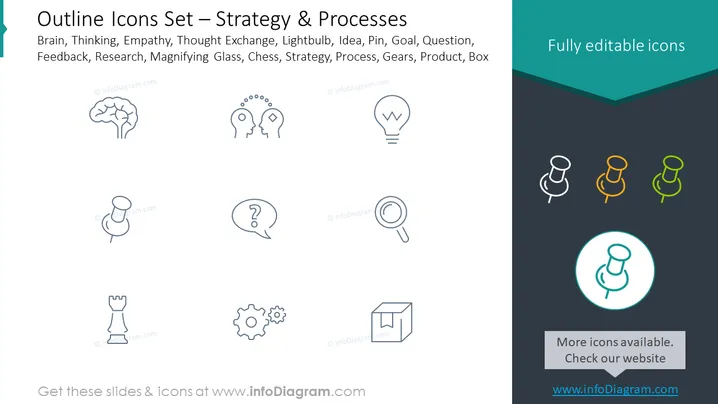
The slide presents a collection of icons related to strategy and processes, offering visual aids to encapsulate concepts such as Brain (representing thinking or intellect), Empathy (understanding others' emotions), Thought Exchange (sharing ideas), Lightbulb (symbolizing a new idea or insight), Pin (marking important points), Goal (target or objective), Question (inquiry or probing thought), Feedback (responses or critiques), Research (systematic investigation), Magnifying Glass (scrutiny or examination), Chess (strategic planning), Strategy (high-level plan), Process (sequence of actions), Gears (interconnected parts or teamwork), Product (outcome or item), and Box (container or categorization).
The slide has a clean and professional look, with icons designed in a consistent outline style that offers a straightforward visual representation of abstract concepts. The use of color is minimal, keeping attention on the icons themselves.



