Reviews
Sus gráficos añaden un toque agradable a mis presentaciones y recientemente los usé para una de mis reuniones generales. Su conjunto de herramientas añade profesionalismo a mis diapositivas. En lugar de usar imágenes prediseñadas estándar.
Necesitaba un aspecto fresco para algunas de mis diapositivas. Había intentado encontrar una forma de crear un efecto de pincel, de subrayar, acentuar, añadir algo de color y los marcadores escritos a mano fueron justo lo que necesitaba. Muy fácil de usar, fácil de ajustar el tamaño, cambiar el color. Fue una solución asequible y perfecta, y estoy feliz de recomendarla.
El aspecto nítido y limpio de los gráficos, y el hecho de que me permitiera editar y cambiar fácilmente los colores para que coincidieran con la plantilla fue mi principal razón para comprarlos.
Description
Outline Icons Set - Science
Slide Content
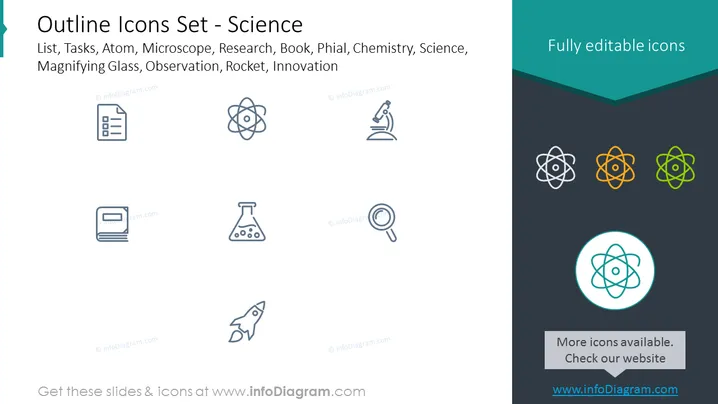
The PowerPoint slide presents a set of simplified outline icons related to science. The items listed are: List, Tasks, Atom, Microscope, Research, Book, Phial, Chemistry, Science, Magnifying Glass, Observation, Rocket, and Innovation. Each icon visually represents these concepts, suggesting functionality and themes typically associated with scientific study and research initiatives. For example, the Atom icon symbolizes the fundamental aspect of matter, the Microscope denotes magnification and close observation, while the Rocket stands for space exploration and technological advancement.
Graphical Look
- A light gray background spans the entire slide.
- The title is displayed prominently at the top with a bold font.
- A teal-colored ribbon adds a contrasting element beneath the title area.
- Eight gray outline icons are evenly distributed across the slide in two rows of four.
- Three more colorful versions of the Atom icon are arranged in the top-right corner against a dark teal background.
- A highlighted Atom icon encircled within a thicker teal line is at the bottom right.
- Text boxes with dark gray and teal backgrounds feature additional promotional information.
The slide has a clean, modern feel with a simple color palette dominated by grays and teals. The icons are stylized to be minimalistic and easily recognizable, creating a professional visual theme.
Use Cases
- To present different aspects of a scientific project in a visual manner.
- As a visual aid during educational presentations about basic scientific concepts.
- In marketing materials for organizations involved in the science industry, highlighting their areas of expertise.
- While discussing innovation strategies in a business context, using icons as metaphors for different stages or areas of development.
How to Edit
How to edit text & colors

How to expand / shorten diagram

How to Replace Icons in infoDiagram PPT


