

Your graphics add a nice touch to my presentations and I recently used them for one of my all-hands meetings. Your toolbox adds professionalism to my slides. Instead of using standard clipart.
Claude Jones, Director of Engineer, @Walmartlabs, USA

Your graphics add a nice touch to my presentations and I recently used them for one of my all-hands meetings. Your toolbox adds professionalism to my slides. Instead of using standard clipart.
Claude Jones, Director of Engineer, @Walmartlabs, USA
I needed a fresh look at some of my slides. I've tried to find a way to create a paintbrush effect, to underline, accentuate, add some color and the handwritten markers were just the things. Very easy to use, easy to size, change the color. It was an affordable, perfect solution and I'm happy to recommend it.
Anonymous, US
The crisp, clean look of the graphics, and the fact that it allowed me to easily edit and change the colors to match the template was my main reason for purchasing them.
Brandie Jenkins, E-learning Developer, USA
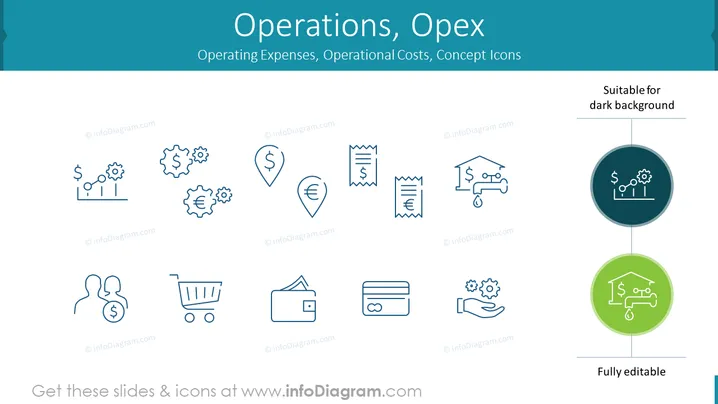
This PowerPoint slide titled "Operations, Opex" focuses on operating expenses and operational costs, presenting a collection of concept icons. Each icon represents a different aspect of operational costs – from money and gears indicating financial mechanisms, to a shopping cart for procurement, and a credit card for expenses. A hand with coins depicts payment or investment, while a wallet symbolizes personal or company finances, indicating the varied nature of operational expenditures.
The slide is clean and well-organized, using visuals that effectively communicate the concept of operational costs without overwhelming the viewer. The consistent iconography and color scheme make it easy for the audience to interpret the information.



