

Your graphics add a nice touch to my presentations and I recently used them for one of my all-hands meetings. Your toolbox adds professionalism to my slides. Instead of using standard clipart.
Claude Jones, Director of Engineer, @Walmartlabs, USA

Your graphics add a nice touch to my presentations and I recently used them for one of my all-hands meetings. Your toolbox adds professionalism to my slides. Instead of using standard clipart.
Claude Jones, Director of Engineer, @Walmartlabs, USA
I needed a fresh look at some of my slides. I've tried to find a way to create a paintbrush effect, to underline, accentuate, add some color and the handwritten markers were just the things. Very easy to use, easy to size, change the color. It was an affordable, perfect solution and I'm happy to recommend it.
Anonymous, US
The crisp, clean look of the graphics, and the fact that it allowed me to easily edit and change the colors to match the template was my main reason for purchasing them.
Brandie Jenkins, E-learning Developer, USA
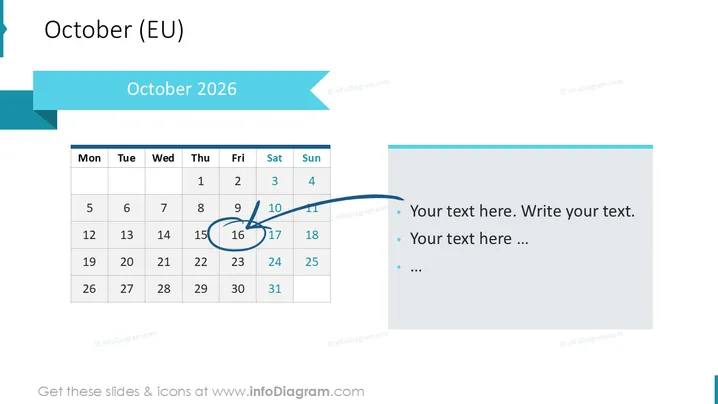
The slide presents "October 2026 " as a template for scheduling or highlighting important dates. It includes a European-style calendar starting with Monday, and showcases the dates of October 1st to 31st. Certain dates are marked, with the 17th and 18th circled, possibly indicating events or deadlines. The right side contains bullet points for adding custom text, which typically would elaborate on the marked dates or related actions.
The slide features a gentle contrast of blue tones and is partitioned distinctly into a calendar section and a text explanation section with clear visual cues directing attention between them.



