

Your graphics add a nice touch to my presentations and I recently used them for one of my all-hands meetings. Your toolbox adds professionalism to my slides. Instead of using standard clipart.
Claude Jones, Director of Engineer, @Walmartlabs, USA

Your graphics add a nice touch to my presentations and I recently used them for one of my all-hands meetings. Your toolbox adds professionalism to my slides. Instead of using standard clipart.
Claude Jones, Director of Engineer, @Walmartlabs, USA
I needed a fresh look at some of my slides. I've tried to find a way to create a paintbrush effect, to underline, accentuate, add some color and the handwritten markers were just the things. Very easy to use, easy to size, change the color. It was an affordable, perfect solution and I'm happy to recommend it.
Anonymous, US
The crisp, clean look of the graphics, and the fact that it allowed me to easily edit and change the colors to match the template was my main reason for purchasing them.
Brandie Jenkins, E-learning Developer, USA
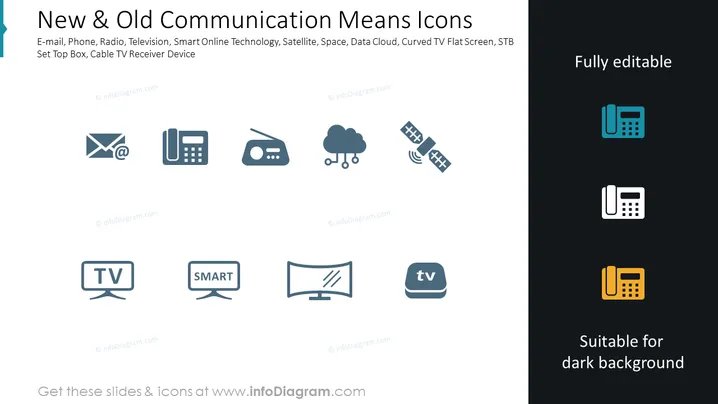
The PowerPoint slide is titled "New & Old Communication Means Icons" and showcases a collection of icons depicting various communication technologies. These Icons represent email, phone, radio, television, smart online technology, satellite, space, data cloud, curved TV flat screen, and set-top box cable TV receiver device. Each icon symbolizes a method of communication, ranging from traditional means like radio to modern ones like online services and advanced television screens.
The slide uses a clean and modern aesthetic with a limited color palette mostly in shades of gray and teal, which creates a professional and sleek look. The icons are simple and easily recognizable, adhering to a consistent design language.



