Reviews
Your graphics add a nice touch to my presentations and I recently used them for one of my all-hands meetings. Your toolbox adds professionalism to my slides. Instead of using standard clipart.
I needed a fresh look at some of my slides. I've tried to find a way to create a paintbrush effect, to underline, accentuate, add some color and the handwritten markers were just the things. Very easy to use, easy to size, change the color. It was an affordable, perfect solution and I'm happy to recommend it.
The crisp, clean look of the graphics, and the fact that it allowed me to easily edit and change the colors to match the template was my main reason for purchasing them.
Description
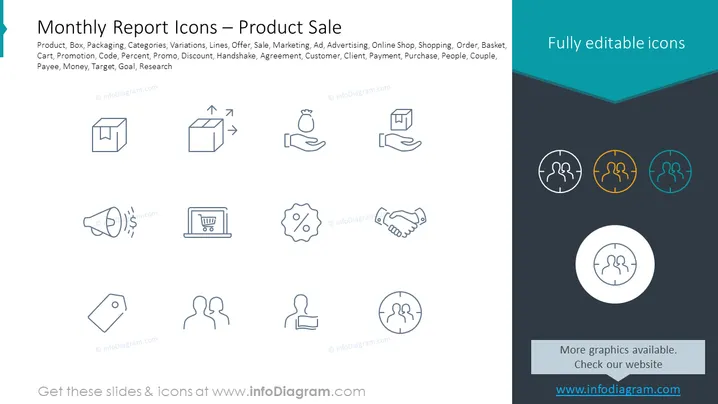
Monthly Report Icons — Product Sale
Slide Content
The slide is titled "Monthly Report Icons — Product Sale" and includes keywords related to the sales and marketing process such as Product, Box, Packaging, Categories, Variations, Lines, Offer, etc. Each icon visually represents concepts relevant to a monthly report on sales: product packaging signifying the physical product presence, handshake depicting agreements or partnerships, a shopping cart for orders or purchases, a loudspeaker for advertising or promotion, and icons indicating financial transactions or goals like % for discounts or profits.
Graphical Look
- The slide has a clean and modern aesthetic with a predominantly white background.
- A total of ten icons are arranged in two rows of five, centered on the slide.
- Each icon is designed in a line art style, with a uniform stroke weight throughout, creating a cohesive look.
- The icons represent various concepts such as a box, an arrow indicating progress, handshake, loudspeaker, shopping cart, etc.
- To the right, there are three colored icons encased in circles, providing a contrast to the monochrome icons on the left.
- A dark banner anchors the bottom of the slide, with white text providing a call-to-action to check the website for more graphics.
- The overall visual composition is balanced, with icons evenly spaced and aligned for aesthetic harmony.
The slide has a professional and minimalist design with a practical layout. The contrasting graphical elements are strategically placed to draw the viewer's attention towards specific key points.
Use Cases
- To illustrate various aspects of the sales and marketing process in a business presentation.
- As a visual aid during a monthly sales meeting to report progress and identify areas for improvement.
- In training materials to explain the workflow of product sales to new employees.
- Incorporating into a pitch deck to visually communicate with potential investors or partners about sales strategies and market tactics.
How to Edit
How to edit text & colors

How to expand / shorten diagram

How to Replace Icons in infoDiagram PPT


