

Your graphics add a nice touch to my presentations and I recently used them for one of my all-hands meetings. Your toolbox adds professionalism to my slides. Instead of using standard clipart.
Claude Jones, Director of Engineer, @Walmartlabs, USA

Your graphics add a nice touch to my presentations and I recently used them for one of my all-hands meetings. Your toolbox adds professionalism to my slides. Instead of using standard clipart.
Claude Jones, Director of Engineer, @Walmartlabs, USA
I needed a fresh look at some of my slides. I've tried to find a way to create a paintbrush effect, to underline, accentuate, add some color and the handwritten markers were just the things. Very easy to use, easy to size, change the color. It was an affordable, perfect solution and I'm happy to recommend it.
Anonymous, US
The crisp, clean look of the graphics, and the fact that it allowed me to easily edit and change the colors to match the template was my main reason for purchasing them.
Brandie Jenkins, E-learning Developer, USA
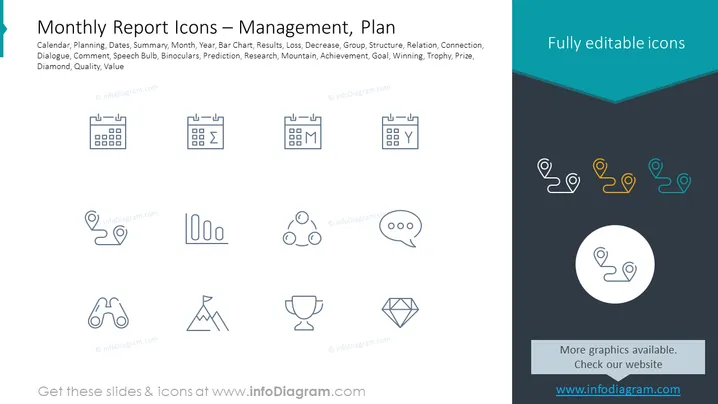
The slide provides a collection of icons representing various concepts associated with monthly reporting and management planning. The icons signify calendar, planning, summary, month, year, bar chart for illustrating data, results, loss, group dynamics, structure, relation between elements, connection, dialogue or feedback, comment section, creative ideas or insights (speech bulb), detailed analysis or looking closely (binoculars), forecasting (prediction), in-depth investigation (research), overcoming challenges (mountain), achievement of objectives (achievement), setting targets (goal), competition or success (winning), recognition (trophy), excellence or highest quality (diamond), and inherent worth (quality, value).
The slide visually contrasts a clean, professional white space on the left with a more vibrant dark teal on the right, directing focus towards both text and graphical elements. Overall, the graphic layout is clean, organized, and designed with a professional tone suitable for business presentations ### Use Cases



