Reviews
Your graphics add a nice touch to my presentations and I recently used them for one of my all-hands meetings. Your toolbox adds professionalism to my slides. Instead of using standard clipart.
I needed a fresh look at some of my slides. I've tried to find a way to create a paintbrush effect, to underline, accentuate, add some color and the handwritten markers were just the things. Very easy to use, easy to size, change the color. It was an affordable, perfect solution and I'm happy to recommend it.
The crisp, clean look of the graphics, and the fact that it allowed me to easily edit and change the colors to match the template was my main reason for purchasing them.
Description
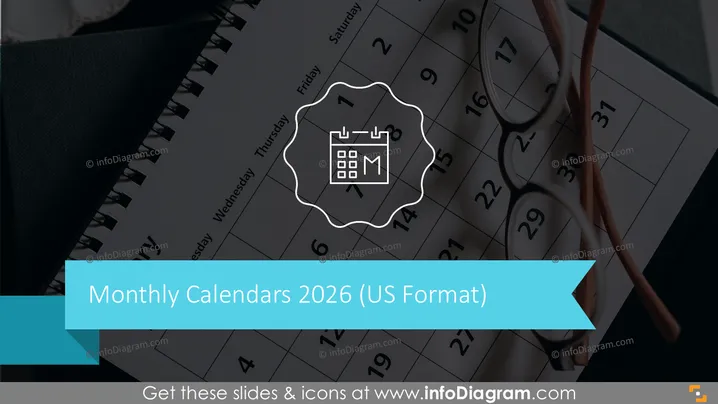
Monthly Calendars 2026 (US Format)
Slide Content
The slide is most likely a title slide for a section about monthly calendars for the year 2025 formatted for US standards. The presence of a calendar icon within a stylized gear-like border suggests an emphasis on scheduling, planning, or organization. The use of the term "US Format" indicates that the calendar may highlight American holidays or follow a Sunday-to-Saturday week layout which is common in the United States.
Graphical Look
- A dark blurred background, likely a close-up of an actual paper calendar or planner.
- A large, teal-colored ribbon banner at the bottom acting as the background for the slide title text.
- White stylized font for the slide title "Monthly Calendars 2025" which is prominently displayed.
- A smaller subtitle "(US Format)" in white, following the main title.
- An icon representing a calendar, inside a white, gear-like circular design centered over the slide title.
- The calendar icon includes a representation of a monthly grid and the abbreviation "M" possibly for "Month".
The overall look of the slide is modern and professional, with a cool color palette dominated by dark hues and a bold splash of teal for contrast. The design elements are minimalistic and focused, creating a clear and visually appealing presentation of the topic.
Use Cases
- Introducing a section on project timelines in a business plan or presentation.
- Kicking off discussions about annual targets and milestone planning for a company.
- Setting the agenda for a yearly review meeting.
- Providing an overview before delving into monthly specific strategies in a marketing or sales presentation.
How to Edit
How to edit text & colors

How to expand / shorten diagram

How to Replace Icons in infoDiagram PPT


