Reviews
Vos graphiques ajoutent une belle touche à mes présentations et je les ai récemment utilisés pour l'une de mes réunions générales. Votre boîte à outils ajoute du professionnalisme à mes diapositives. Au lieu d'utiliser des cliparts standards.
J'avais besoin d'un nouveau regard sur certaines de mes diapositives. J'ai essayé de trouver un moyen de créer un effet de pinceau, de souligner, d'accentuer, d'ajouter de la couleur et les marqueurs manuscrits étaient exactement ce qu'il fallait. Très facile à utiliser, facile à ajuster la taille, à changer la couleur. C'était une solution abordable et parfaite et je suis heureux de la recommander.
L'aspect net et épuré des graphiques, et le fait qu'il m'ait permis d'éditer et de changer facilement les couleurs pour les adapter au modèle, ont été les principales raisons de mon achat.
Description
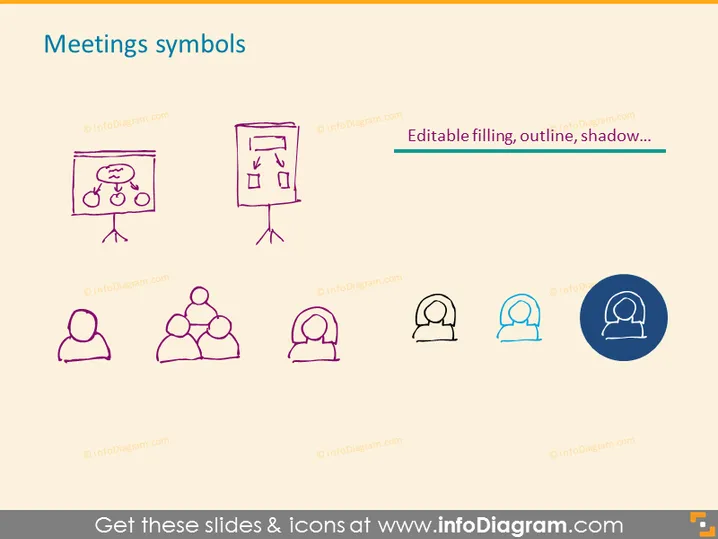
Meetings symbols
Slide Content
The slide titled "Meetings symbols" portrays a collection of icons and figures related to meetings. The top row features a flip chart and a presentation board, depicting common tools used in meetings where ideas and agendas are showcased. The bottom row includes a single person icon, a group of three people indicating a small team, and variations of a person with communication symbols, illustrating different members or roles within a meeting.
Graphical Look
- The slide has a simple white background.
- The title "Meetings symbols" is centered at the top in large, bold, blue text.
- There are six doodle-style icons, presented in two rows of three icons each.
- The color of the icons varies between a dark purple and shades of blue.
- Each icon is paired with a watermarked label underneath.
- One icon in the bottom right is nested inside a dark blue circle, possibly to indicate an active or selected state.
The slide uses a clean and simple design, with hand-drawn style icons that give a personal touch to the presentation. The uniform styling and arrangement of icons create a professional yet approachable visual theme.
Use Cases
- To discuss the tools and methods used during business or team meetings within a presentation.
- For creating an agenda slide to set up the structure of a planned meeting.
- In a workshop setting to explain the roles of participants or the communication flow within a team.
- To visually enhance training materials on meeting management or group collaboration.
How to Edit
How to edit text & colors

How to expand / shorten diagram

How to Replace Icons in infoDiagram PPT


