

Your graphics add a nice touch to my presentations and I recently used them for one of my all-hands meetings. Your toolbox adds professionalism to my slides. Instead of using standard clipart.
Claude Jones, Director of Engineer, @Walmartlabs, USA

Your graphics add a nice touch to my presentations and I recently used them for one of my all-hands meetings. Your toolbox adds professionalism to my slides. Instead of using standard clipart.
Claude Jones, Director of Engineer, @Walmartlabs, USA
I needed a fresh look at some of my slides. I've tried to find a way to create a paintbrush effect, to underline, accentuate, add some color and the handwritten markers were just the things. Very easy to use, easy to size, change the color. It was an affordable, perfect solution and I'm happy to recommend it.
Anonymous, US
The crisp, clean look of the graphics, and the fact that it allowed me to easily edit and change the colors to match the template was my main reason for purchasing them.
Brandie Jenkins, E-learning Developer, USA
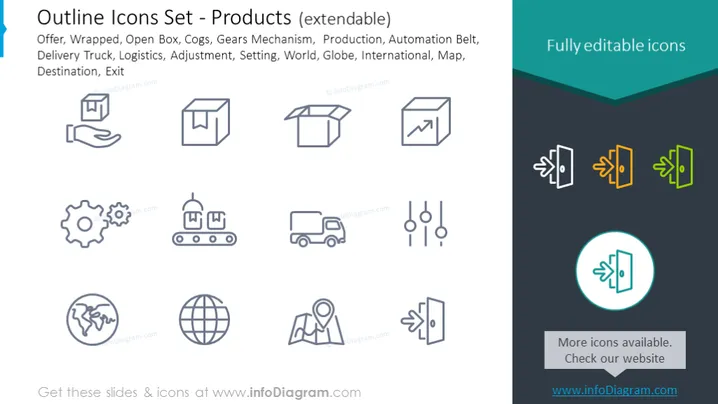
The PowerPoint slide titled "Outline Icons Set - Products (extendable)" presents a collection of icons that represent various aspects of products and logistics. These icons include Offer, which likely signifies special promotions or deals; Wrapped, indicating packaged products; Open Box, representing unpackaging or content reveal; Cogs and Gears Mechanism, suggesting machinery or inner workings; Production, related to manufacturing processes; Automation Belt, referencing conveyor belts in production lines; Delivery Truck, denoting transportation or logistics services; Logistics itself, reflecting the overall process of managing goods; Adjustment, implying customization or tuning; Setting, likely for configuration or preferences; World and Globe indicating global operations or market; International, emphasizing international scope; Map, for navigation or geographic contexts; Destination, marking end points or targets; and Exit, representing leaving or ending a process.
The PowerPoint slide offers a modern and simplistic design that showcases a suite of icons related to products and logistics. The highlighted icon and call-to-action button adds a touch of interactivity and directiveness to the design.



