Manufacturing Report Icon Set – Management Data
Slide Content
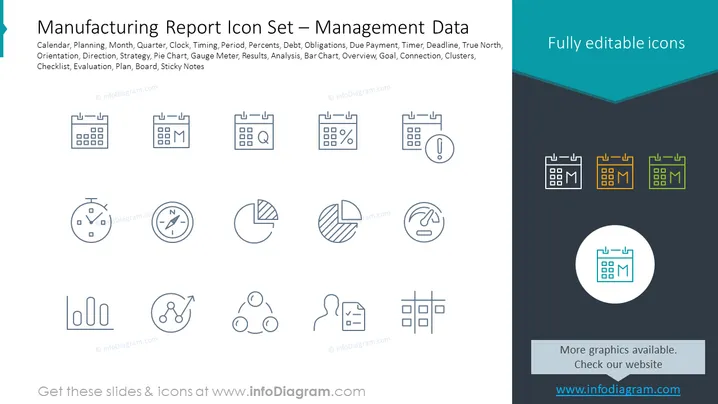
The PowerPoint slide showcases a set of icons representing various aspects of manufacturing report management data. The icons include visual representations for Calendar, Planning, Month, Quarter, Clock, Timing, Period, Percents, Debt, Obligations, Due Payment, Timer, Deadline, True North, Orientation, Direction, Strategy, Pie Chart, Gauge Meter, Results, Analysis, Bar Chart, Overview, Goal, Connection, Clusters, Checklist, Evaluation, Plan, Board, and Sticky Notes. Each icon is designed to quickly communicate a specific concept such as scheduling (Calendar), financial obligations (Debt), strategic direction (True North), and performance evaluation (Results).
Graphical Look
- Two rows of outlined icons depict various business concepts.
- Each icon is accompanied by a label beneath it for easy identification.
- The slide employs a color scheme with shades of teal, blue, and grey, providing a professional look.
- Icons on the slide's right are highlighted in a teal and gold color palette, contrasting with the predominantly line-art style.
The slide has a clean and professional appearance, prioritizing clarity and ease of interpretation with its simple iconography and muted color palette.
Use Cases
- To visually enhance segments of a business presentation that discuss different facets of manufacturing management data.
- For providing a quick reference in reports or meetings to discuss progress in areas like planning, financial management, and strategic analysis.
- To create an engaging and informative interface in digital dashboards for monitoring manufacturing and management metrics.
- In training or orientation materials to introduce concepts related to manufacturing and data management efficiently.