

Your graphics add a nice touch to my presentations and I recently used them for one of my all-hands meetings. Your toolbox adds professionalism to my slides. Instead of using standard clipart.
Claude Jones, Director of Engineer, @Walmartlabs, USA

Your graphics add a nice touch to my presentations and I recently used them for one of my all-hands meetings. Your toolbox adds professionalism to my slides. Instead of using standard clipart.
Claude Jones, Director of Engineer, @Walmartlabs, USA
I needed a fresh look at some of my slides. I've tried to find a way to create a paintbrush effect, to underline, accentuate, add some color and the handwritten markers were just the things. Very easy to use, easy to size, change the color. It was an affordable, perfect solution and I'm happy to recommend it.
Anonymous, US
The crisp, clean look of the graphics, and the fact that it allowed me to easily edit and change the colors to match the template was my main reason for purchasing them.
Brandie Jenkins, E-learning Developer, USA
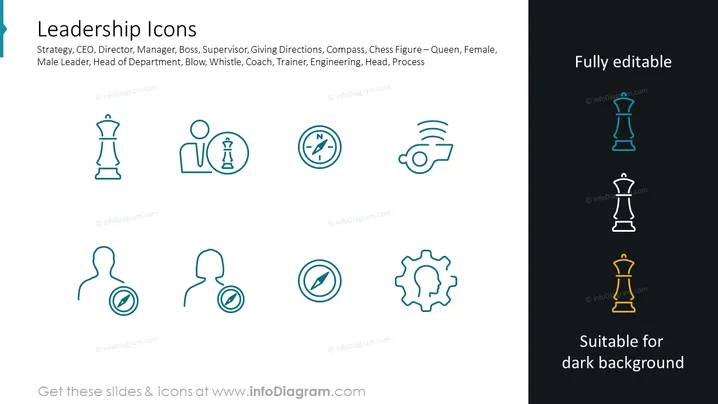
The PowerPoint slide titled "Leadership Icons" showcases a series of stylized icons associated with leadership and management concepts. There are symbols representing strategy (chess piece), CEO (a figure with a tie), director or manager (a figure beside a gear), boss (a figure with chess pieces), supervisor (a person and a compass), giving directions, compass navigation, chess figure – queen representing female leadership, male leader (a bold figure), head of department (a figure with a light bulb head), blowing a whistle, coach or trainer, engineering (cogwheel), the head with a cog representing thought processes, and process optimization (cogwheels together).
The slide is visually clean, using a limited color palette, with a sharp contrast between the different sections indicating editability. The icons are designed for clarity and versatility, suitable for various slide backgrounds.



