Your graphics add a nice touch to my presentations and I recently used them for one of my all-hands meetings. Your toolbox adds professionalism to my slides. Instead of using standard clipart.
Claude Jones, Director of Engineer, @Walmartlabs, USA
Your graphics add a nice touch to my presentations and I recently used them for one of my all-hands meetings. Your toolbox adds professionalism to my slides. Instead of using standard clipart.
Claude Jones, Director of Engineer, @Walmartlabs, USA
I needed a fresh look at some of my slides. I've tried to find a way to create a paintbrush effect, to underline, accentuate, add some color and the handwritten markers were just the things. Very easy to use, easy to size, change the color. It was an affordable, perfect solution and I'm happy to recommend it.
Anonymous, US
The crisp, clean look of the graphics, and the fact that it allowed me to easily edit and change the colors to match the template was my main reason for purchasing them.
Brandie Jenkins, E-learning Developer, USA
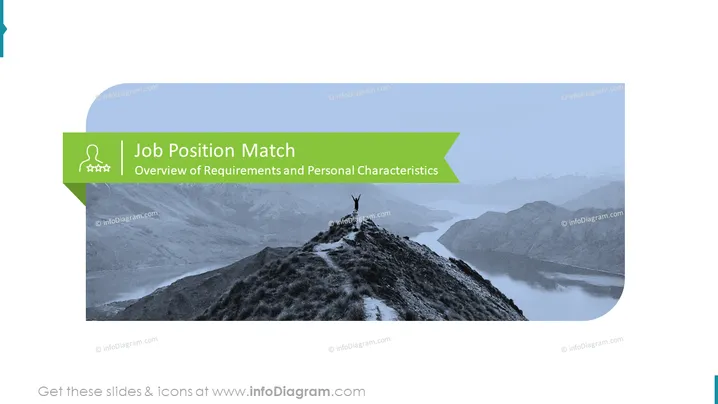
Slide Content: The PowerPoint slide is titled "Job Position Match" with a subtitle "Overview of Requirements and Personal Characteristics." It likely focuses on aligning candidate qualifications and traits with the needs of a job opening—essentially explaining how to ensure that a person's skills, experience, and personality fit the role they are applying for or being considered for within an organization.
Graphical Look:
The slide uses blues and greens to create a professional look, with monochromatic photography that imparts a sense of accomplishment. The human icon next to the title adds a touch of relevance to the subject of job matching and personal evaluation.
Use Cases:




