

Your graphics add a nice touch to my presentations and I recently used them for one of my all-hands meetings. Your toolbox adds professionalism to my slides. Instead of using standard clipart.
Claude Jones, Director of Engineer, @Walmartlabs, USA

Your graphics add a nice touch to my presentations and I recently used them for one of my all-hands meetings. Your toolbox adds professionalism to my slides. Instead of using standard clipart.
Claude Jones, Director of Engineer, @Walmartlabs, USA
I needed a fresh look at some of my slides. I've tried to find a way to create a paintbrush effect, to underline, accentuate, add some color and the handwritten markers were just the things. Very easy to use, easy to size, change the color. It was an affordable, perfect solution and I'm happy to recommend it.
Anonymous, US
The crisp, clean look of the graphics, and the fact that it allowed me to easily edit and change the colors to match the template was my main reason for purchasing them.
Brandie Jenkins, E-learning Developer, USA
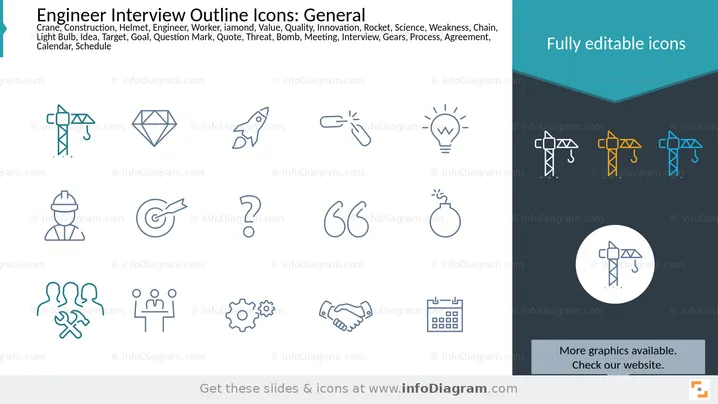
This slide presents a collection of outline icons related to engineering, interviews, and general business concepts. The icons represent various ideas such as a crane for construction, a diamond for value/quality, a rocket for innovation, a lightbulb for ideas, a target for goals, a question mark for queries, speech marks for quotes, a bomb for threats, a hard hat for an engineer, a group of people with tools for a team, people at a table for a meeting, gears for process, a handshake for agreement, and a calendar for scheduling. These icons are versatile and can be used to visually represent these concepts in presentations.
The slide uses a clean, minimalist design with a clear distinction between the icon display area and the promotional/informational sidebar. The contrasting colors of the background and the outline icons, with occasional teal accents, create a visually engaging yet professional look.



