

Your graphics add a nice touch to my presentations and I recently used them for one of my all-hands meetings. Your toolbox adds professionalism to my slides. Instead of using standard clipart.
Claude Jones, Director of Engineer, @Walmartlabs, USA

Your graphics add a nice touch to my presentations and I recently used them for one of my all-hands meetings. Your toolbox adds professionalism to my slides. Instead of using standard clipart.
Claude Jones, Director of Engineer, @Walmartlabs, USA
I needed a fresh look at some of my slides. I've tried to find a way to create a paintbrush effect, to underline, accentuate, add some color and the handwritten markers were just the things. Very easy to use, easy to size, change the color. It was an affordable, perfect solution and I'm happy to recommend it.
Anonymous, US
The crisp, clean look of the graphics, and the fact that it allowed me to easily edit and change the colors to match the template was my main reason for purchasing them.
Brandie Jenkins, E-learning Developer, USA
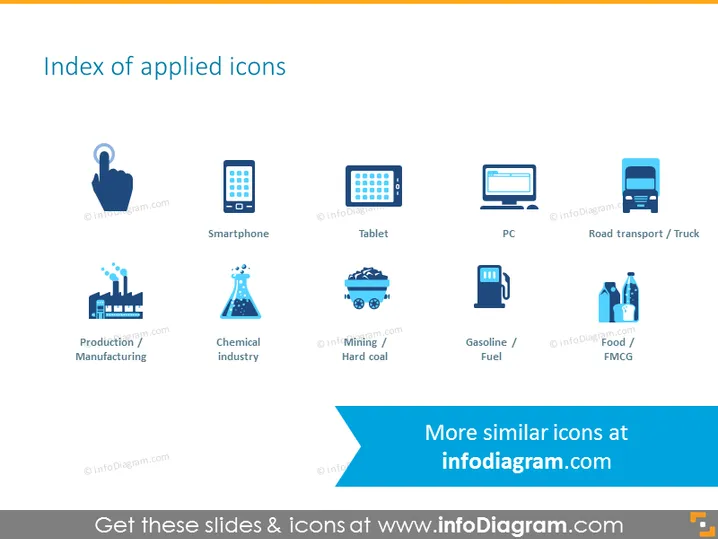
The slide titled "Index of applied icons" displays a set of eight colorful and stylized icons representing different industries and technology. Starting from the upper left, "Smartphone" and "Tablet" icons represent mobile devices. "PC" and "Road transport / Truck" signify computing and logistics. The lower row features "Production / Manufacturing" and "Chemical industry" as representations of industrial sectors. Then, "Mining / Hard coal" and "Gasoline / Fuel" icons depict resource extraction industries, while "Food / FMCG" stands for Fast-Moving Consumer Goods.
The slide is overall very clean and uses a modern, flat design for its graphical elements. The color palette is limited to shades of blue and gray, which gives it a professional and cohesive appearance.



