

Your graphics add a nice touch to my presentations and I recently used them for one of my all-hands meetings. Your toolbox adds professionalism to my slides. Instead of using standard clipart.
Claude Jones, Director of Engineer, @Walmartlabs, USA

Your graphics add a nice touch to my presentations and I recently used them for one of my all-hands meetings. Your toolbox adds professionalism to my slides. Instead of using standard clipart.
Claude Jones, Director of Engineer, @Walmartlabs, USA
I needed a fresh look at some of my slides. I've tried to find a way to create a paintbrush effect, to underline, accentuate, add some color and the handwritten markers were just the things. Very easy to use, easy to size, change the color. It was an affordable, perfect solution and I'm happy to recommend it.
Anonymous, US
The crisp, clean look of the graphics, and the fact that it allowed me to easily edit and change the colors to match the template was my main reason for purchasing them.
Brandie Jenkins, E-learning Developer, USA
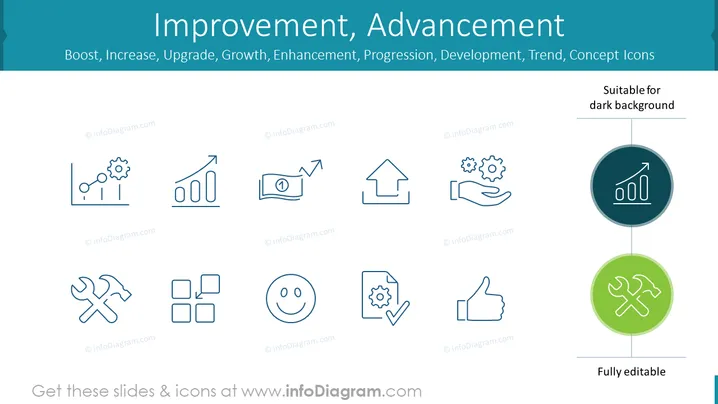
The slide is dedicated to various concepts related to business growth and optimization, featuring a collection of icons. Each icon symbolizes a different aspect of improvement or progression. From left to right, the icons represent process optimization (gears and chart), rising analytics or performance (upward graph), achieving first place or ranking (award ribbon), strategic direction or property growth (upward arrow house), manual or automatic workflow enhancement (hand holding gears), system efficiency or effectiveness (wrench and hammer), organizational structure or rearrangement (square blocks), satisfaction or positive outcome (smiley face), successful task completion (document with gear and checkmark), popular approval or standard (thumbs up), and in the highlighted circles, quantitative growth or metric improvement (bar chart in the dark circle), and problem-solving or repair (wrench crossed with hammer in the light circle).
The slide displays a modern design with a harmonious balance between text and graphics, using simple yet expressive icons to convey complex business concepts. The prominence of the title and the use of contrasting circle highlights draw attention to key areas, creating an engaging visual narrative.



