Reviews
Sus gráficos añaden un toque agradable a mis presentaciones y recientemente los usé para una de mis reuniones generales. Su conjunto de herramientas añade profesionalismo a mis diapositivas. En lugar de usar imágenes prediseñadas estándar.
Necesitaba un aspecto fresco para algunas de mis diapositivas. Había intentado encontrar una forma de crear un efecto de pincel, de subrayar, acentuar, añadir algo de color y los marcadores escritos a mano fueron justo lo que necesitaba. Muy fácil de usar, fácil de ajustar el tamaño, cambiar el color. Fue una solución asequible y perfecta, y estoy feliz de recomendarla.
El aspecto nítido y limpio de los gráficos, y el hecho de que me permitiera editar y cambiar fácilmente los colores para que coincidieran con la plantilla fue mi principal razón para comprarlos.
Description
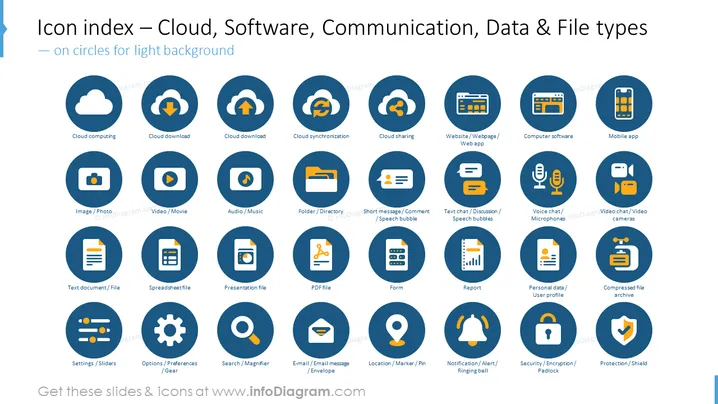
Icon index — Cloud, Software, Communication, Data & File types
Slide Content
This PowerPoint slide is a comprehensive icon index designed to represent various technology and data concepts such as cloud services, software applications, communication methods, and file types. Each icon is encapsulated in a circular shape and accompanied by a label describing its function. For example, "Cloud computing" likely represents services delivered over the internet, while "Folder/Directory" might be used to denote file organization on a computer. "Voice chat/Microphones" would symbolize audio communication, and "Security/Encryption/Padlock" could be associated with data protection measures.
Graphical Look
- The title is at the top of the slide in a large bold font.
- Each icon is set within a dark blue circle, and there are four rows of five icons each.
- The icons are white and represent different technology-related concepts.
- Beneath each icon circle is a text label in white, describing the symbol's function.
- The icons are arranged on a light background, providing contrast and enhancing visibility.
- The design is clean, with icons uniformly spaced and aligned for a balanced composition.
The overall look is modern and professional, with a minimalist design that uses consistent color and icon styles to communicate ideas clearly.
Use Cases
- In training sessions to introduce employees to various technology tools and concepts.
- During business presentations to visually represent the scope of digital assets or software being discussed.
- In user manuals or guides for software or systems to visually cue readers to different features or file types.
- As part of a website or application interface to provide intuitive navigation through icons.
How to Edit
How to edit text & colors

How to expand / shorten diagram

How to Replace Icons in infoDiagram PPT


