Reviews
Your slides are my 'secret sauce' when it comes to visualising my ideas to clients. I'm saving so much time.
InfoDiagram has been a wonderful resource since I found the product site a few years ago.
Your slides often generate good comments and ideas from my team that improve the final slides.
Description
HR Profile
Slide Content
The slide is titled "HR Profile," which suggests a focus on human resources and could potentially cover a range of topics like employee details, skills, performance, or recruitment strategies. The slide could be used to introduce an individual's professional background or to outline HR-related processes and policies within an organization.
Graphical Look
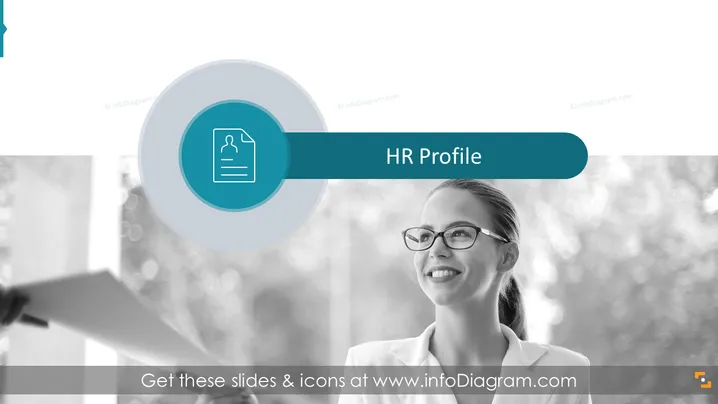
- The background of the slide features a black and white photographic image of a smiling woman, indicating a professional setting.
- Over the image, there's a large, teal-colored rectangular shape that extends across the slide, serving as a title bar with the words "HR Profile."
- A circular shape with lighter and darker shades of blue is located near the left edge of the slide, creating a visual focal point.
- Inside the circular shape, there is a white icon representing a document with a person's silhouette, hinting at a profile or resume.
- The overall color scheme is monochromatic with teal accents for text and graphical elements, embracing a sleek, corporate aesthetic. The slide has a professional and modern look with focused use of color and images to convey a theme related to human resources.
Use Cases
- Introducing a new team member during company meetings or onboarding sessions.
- Highlighting employee achievements in performance review presentations.
- Discussing HR initiatives, such as talent acquisition or diversity and inclusion strategies, in management meetings.
- Outlining the structure of HR departments or team roles in organizational briefings.
How to Edit
How to edit text & colors

How to expand / shorten diagram

How to Replace Icons in infoDiagram PPT


