

Your graphics add a nice touch to my presentations and I recently used them for one of my all-hands meetings. Your toolbox adds professionalism to my slides. Instead of using standard clipart.
Claude Jones, Director of Engineer, @Walmartlabs, USA

Your graphics add a nice touch to my presentations and I recently used them for one of my all-hands meetings. Your toolbox adds professionalism to my slides. Instead of using standard clipart.
Claude Jones, Director of Engineer, @Walmartlabs, USA
I needed a fresh look at some of my slides. I've tried to find a way to create a paintbrush effect, to underline, accentuate, add some color and the handwritten markers were just the things. Very easy to use, easy to size, change the color. It was an affordable, perfect solution and I'm happy to recommend it.
Anonymous, US
The crisp, clean look of the graphics, and the fact that it allowed me to easily edit and change the colors to match the template was my main reason for purchasing them.
Brandie Jenkins, E-learning Developer, USA
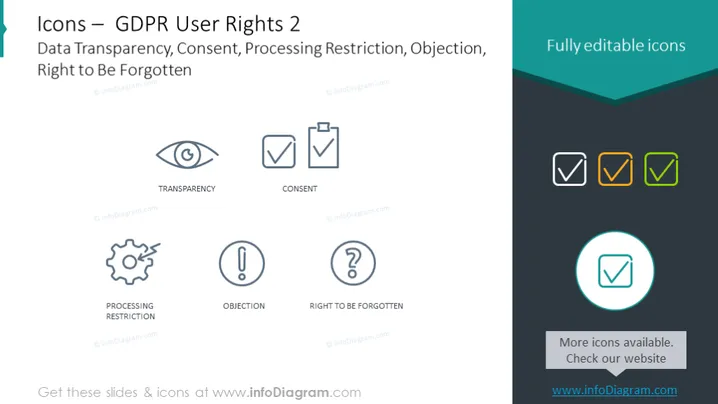
The slide is about "GDPR User Rights 2" focusing on Data Transparency, Consent, Processing Restriction, Objection, and the Right to Be Forgotten. It illustrates five concepts with respective icons: an eye for Transparency, which signifies openness and clarity about data usage; a tick in a box for Consent, representing the necessity of user agreement to process data; a gear with a minus sign for Processing Restriction, implying limitations to data processing; an exclamation mark for Objection, indicating the user's right to challenge data usage; and a question mark encapsulated within a person silhouette for Right to Be Forgotten, denoting the ability to have personal data erased.
The slide has a modern and clean design with distinctive icons and easy-to-read text layered over a calming blue background gradient.



