

Your graphics add a nice touch to my presentations and I recently used them for one of my all-hands meetings. Your toolbox adds professionalism to my slides. Instead of using standard clipart.
Claude Jones, Director of Engineer, @Walmartlabs, USA

Your graphics add a nice touch to my presentations and I recently used them for one of my all-hands meetings. Your toolbox adds professionalism to my slides. Instead of using standard clipart.
Claude Jones, Director of Engineer, @Walmartlabs, USA
I needed a fresh look at some of my slides. I've tried to find a way to create a paintbrush effect, to underline, accentuate, add some color and the handwritten markers were just the things. Very easy to use, easy to size, change the color. It was an affordable, perfect solution and I'm happy to recommend it.
Anonymous, US
The crisp, clean look of the graphics, and the fact that it allowed me to easily edit and change the colors to match the template was my main reason for purchasing them.
Brandie Jenkins, E-learning Developer, USA
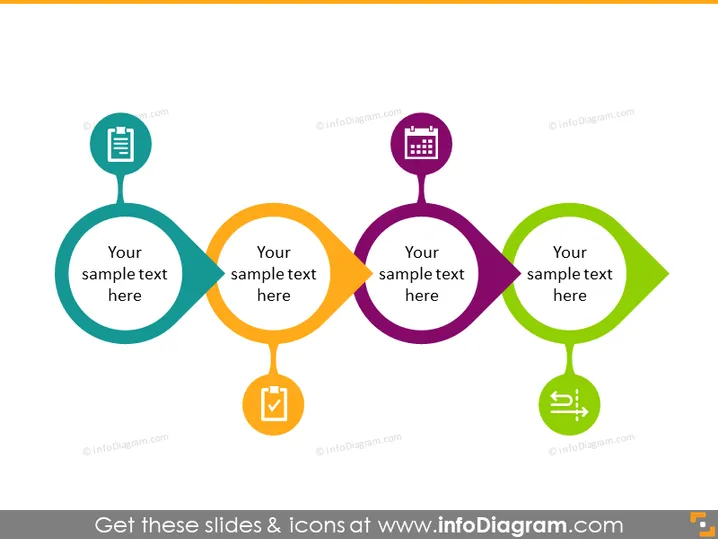
The PowerPoint slide displays a sequence of four stylized nodes connected by arrows, indicating a flow or progression from one stage to the next. Each node contains an icon, a placeholder text "Your sample text here," and a unique color. The icons include a document, a checklist, a calendar, and a symbol representing communication or settings. This slide likely represents a process, workflow, or a set of step-by-step instructions where each node represents a key step or milestone, symbolized by the respective icons. For instance, the document icon could represent the drafting stage, the checklist might denote a verification process, the calendar could suggest scheduling, and the communication/settings icon might imply feedback or adjustments.
The slide has a clean and modern look with vibrant colors to clearly delineate separate stages or steps in a process. The use of icons helps to visually communicate the purpose or action associated with each step.



