

Your graphics add a nice touch to my presentations and I recently used them for one of my all-hands meetings. Your toolbox adds professionalism to my slides. Instead of using standard clipart.
Claude Jones, Director of Engineer, @Walmartlabs, USA

Your graphics add a nice touch to my presentations and I recently used them for one of my all-hands meetings. Your toolbox adds professionalism to my slides. Instead of using standard clipart.
Claude Jones, Director of Engineer, @Walmartlabs, USA
I needed a fresh look at some of my slides. I've tried to find a way to create a paintbrush effect, to underline, accentuate, add some color and the handwritten markers were just the things. Very easy to use, easy to size, change the color. It was an affordable, perfect solution and I'm happy to recommend it.
Anonymous, US
The crisp, clean look of the graphics, and the fact that it allowed me to easily edit and change the colors to match the template was my main reason for purchasing them.
Brandie Jenkins, E-learning Developer, USA
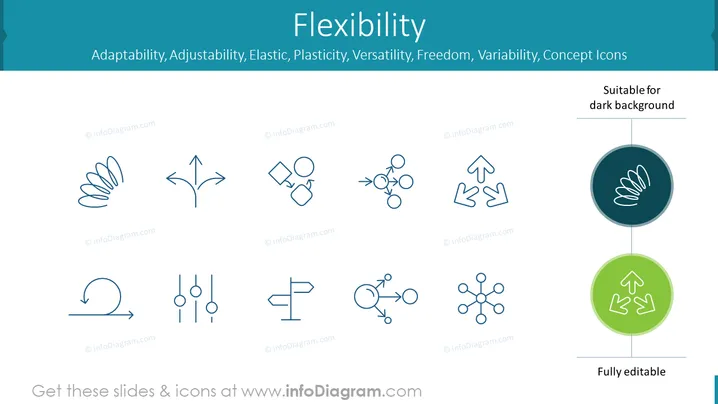
The PowerPoint slide centers around the theme of flexibility, highlighting related concepts such as Adaptability, Adjustability, Elastic, Plasticity, Versatility, Freedom, and Variability, each represented by a unique icon. Adaptability could imply being open to changes, Adjustability suggests the ability to modify or adapt, Elastic indicates resilience and capacity to stretch, Plasticity refers to being easily shaped or molded, Versatility denotes the ability to do many different things, Freedom embodies the power of acting without constraint, and Variability signifies diversity or the tendency to vary.
The slide presents a harmonious balance of text and icons, arranged with clear spacing and alignment for easy interpretation. The minimalist color scheme ensures focus on the content without visual distraction.



