Reviews
Sus gráficos añaden un toque agradable a mis presentaciones y recientemente los usé para una de mis reuniones generales. Su conjunto de herramientas añade profesionalismo a mis diapositivas. En lugar de usar imágenes prediseñadas estándar.
Necesitaba un aspecto fresco para algunas de mis diapositivas. Había intentado encontrar una forma de crear un efecto de pincel, de subrayar, acentuar, añadir algo de color y los marcadores escritos a mano fueron justo lo que necesitaba. Muy fácil de usar, fácil de ajustar el tamaño, cambiar el color. Fue una solución asequible y perfecta, y estoy feliz de recomendarla.
El aspecto nítido y limpio de los gráficos, y el hecho de que me permitiera editar y cambiar fácilmente los colores para que coincidieran con la plantilla fue mi principal razón para comprarlos.
Description
Flat Icons Set
Slide Content
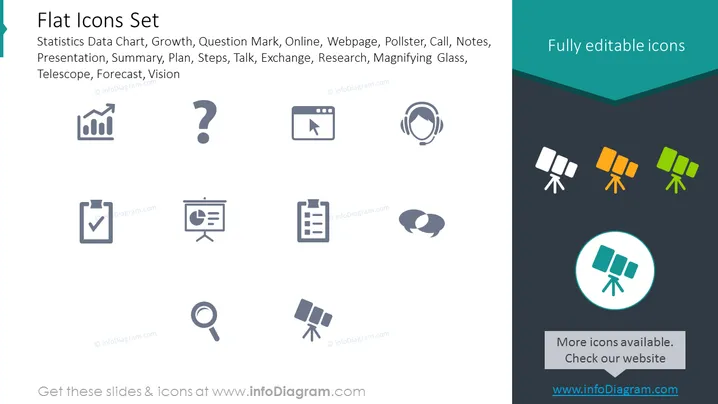
The slide presents a collection of flat icons representing various business and research concepts. These icons include a bar chart for "Statistics Data Chart", suggesting data analysis or reporting; a question mark for "Question Mark", signifying inquiry or problem-solving; a cursor clicking a button for "Online", indicating internet activities or digital presence; a head with sound waves for "Call", representing communication or customer service; a checklist for "Presentation", which implies planning or summarization; a presentation board for "Webpage", reflecting content sharing or education; a note-taking icon for "Pollster", denoting polling or feedback collection; a clipboard for "Notes", associated with record-keeping or information management; a conversation bubble for "Talk", symbolizing dialogue or discussions; and a magnifying glass for "Research", emphasizing investigation or detailed study. Each icon is paired with a keyword, meant to convey its possible use or significance in various contexts.
Graphical Look
- The slide has a dark grey background with a turquoise header containing the title in white font.
- Toward the top-right corner, the slide displays the phrase 'Fully editable icons' in white font against a folded turquoise rectangle.
- The icons are arranged in two rows and are monochrome, using a light grey color against the dark background.
- Each icon is simplistic in design and illustrates a concept or tool common in business and analysis settings.
- The icons include: bar chart, question mark, browser window, headphones with microphone, clipboard with checkmark, presentation screen, paper with text, two speech bubbles, three angled telescopes, and a magnifying glass.
- One telescope icon is encircled by a light turquoise ring, drawing attention to it as a featured icon.
The slide design is clean and modern, with a minimalistic approach to iconography that facilitates quick understanding. The contrast between the light grey icons and the dark background makes the icons stand out prominently.
Use Cases
- To illustrate key concepts in business presentations, making it easy for the audience to quickly understand the topic at hand.
- As visual aids in training materials to represent different sections or modules within the training content.
- In marketing materials to graphically represent services or features offered by a company.
- During pitch presentations to highlight the main elements of a proposal in a visually engaging manner.
How to Edit
How to edit text & colors

How to expand / shorten diagram

How to Replace Icons in infoDiagram PPT


