Reviews
Your graphics add a nice touch to my presentations and I recently used them for one of my all-hands meetings. Your toolbox adds professionalism to my slides. Instead of using standard clipart.
I needed a fresh look at some of my slides. I've tried to find a way to create a paintbrush effect, to underline, accentuate, add some color and the handwritten markers were just the things. Very easy to use, easy to size, change the color. It was an affordable, perfect solution and I'm happy to recommend it.
The crisp, clean look of the graphics, and the fact that it allowed me to easily edit and change the colors to match the template was my main reason for purchasing them.
Description
Your Agenda Title
Slide Content
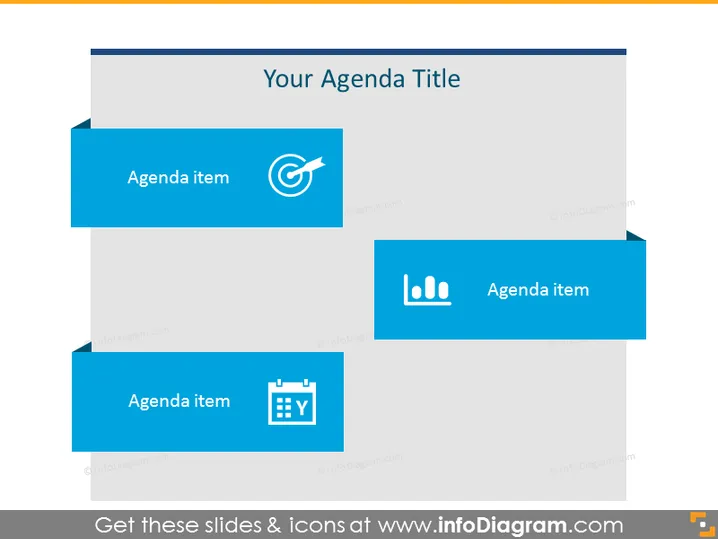
The slide is titled "Your Agenda Title" indicating a placeholder for the presentation's agenda or key points. It includes three "Agenda item" placeholders, each accompanied by a different icon: one with a target symbol representing goals or objectives, another with a bar chart symbolizing data analysis or progress review, and the last with a calendar, suggesting scheduling or timelines.
Graphical Look
- The slide background is plain white with a grey top border.
- There is a large grey text box with the title "Your Agenda Title" in black font centered at the top.
- Three blue banners with a darker shade on the left edge are serving as labels for agenda items.
- Each blue banner contains a white icon and the placeholder text "Agenda item" in white.
- The icons include a target, a bar chart, and a calendar, each representing a different agenda concept.
- The blue banners are oriented differently, with the first and third banner facing right and featuring the target and calendar icons, respectively, while the second banner faces left with the bar chart icon.
The slide has a modern and simple aesthetic with a color scheme focused on shades of blue, grey, and white. The use of icons adds a visual element to aid in the recognition of the agenda topics.
Use Cases
- To present the main topics of a business meeting or workshop agenda in a visually engaging manner.
- As an introductory slide to outline the key points to be discussed in a corporate presentation.
- To structure a training session or seminar by displaying the sequence of the content modules.
- For organizing a project kick-off meeting where objectives, data review, and scheduling need to be addressed.
How to Edit
How to edit text & colors

How to expand / shorten diagram

How to Replace Icons in infoDiagram PPT


